
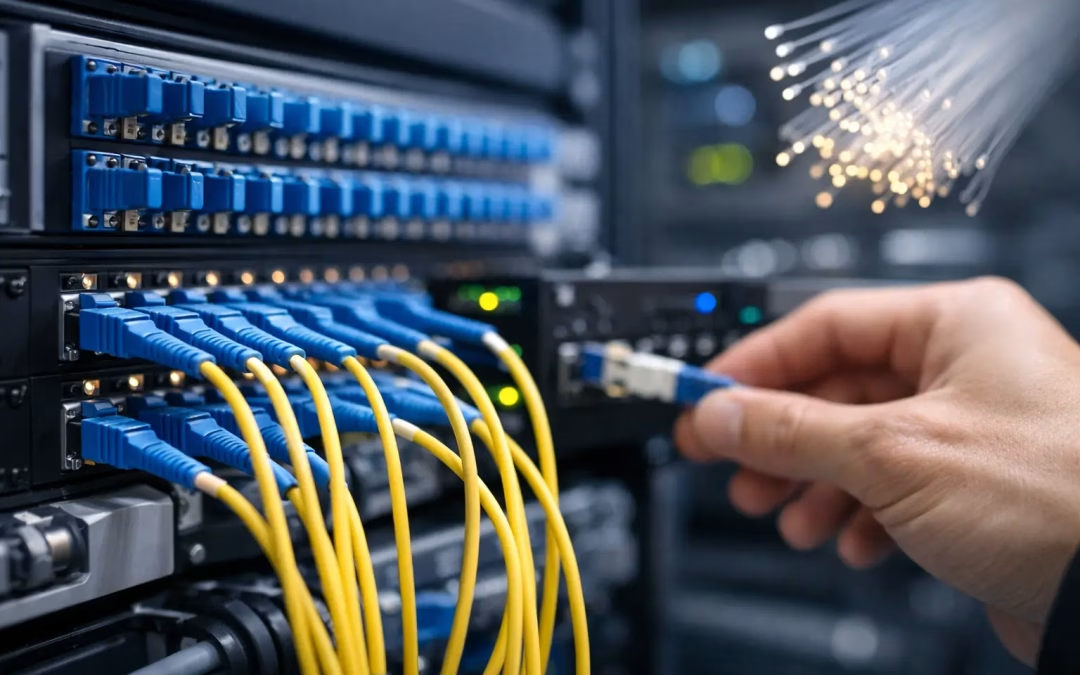
A business can pay for a fast fiber circuit and still deal with dropped video calls, slow cloud apps, dead Wi-Fi zones, and frustrated staff. The reason is often inside the building. Combining structured cabling with reliable business fiber internet connects the carrier service at the door to the people, devices, access points, cameras, and systems that depend on it every day.
For an office manager or business owner, this is not a discussion about buying more speed for its own sake. It is about creating a network that performs predictably, can be supported efficiently, and has room to grow without repeated disruption.
Fiber Internet Is Only One Part of Business Connectivity
Business fiber provides the wide-area connection between your location and the internet. It can deliver the bandwidth, consistency, and service-level commitments that cloud-based businesses need. But once that connection enters the building, its performance depends on the local network design.
The fiber handoff typically connects to a firewall or router, then to network switches, Wi-Fi access points, workstations, phones, printers, conference rooms, and other connected equipment. If those components are tied together with aging cable, poorly placed hardware, unmanaged switches, or improvised patching, the local network becomes the weak point.
That is why a carrier upgrade alone does not always fix a connectivity complaint. A 1 Gbps fiber plan cannot overcome a damaged run, an older cable category that cannot support the needed speed, a crowded Wi-Fi design, or a switch that is already at capacity. The right approach looks at the whole path, from the provider handoff to the endpoint.
Combining Structured Cabling With Reliable Business Fiber Internet
Structured cabling is the organized physical framework behind a network. It uses properly selected, labeled, tested cable runs and central termination points to connect rooms, work areas, equipment closets, and network hardware. Rather than adding a cable only when someone needs one, a structured system is planned around the building and how the business operates.
When it is paired with a reliable fiber connection, that framework gives the business a clear and dependable path for data. Fiber brings capacity to the site. Structured cabling distributes that capacity where it is needed.
For example, a growing medical office may need dependable connections for cloud records, front-desk workstations, secure guest Wi-Fi, VoIP phones, and video consultations. A warehouse may need coverage for mobile scanners, office staff, cameras, and access-control equipment. Each environment has different demands, but both benefit from a network layout that has been designed instead of patched together over time.
This pairing also makes troubleshooting faster. When cable runs are labeled, tested, and documented, a technician can isolate whether a problem is coming from the provider circuit, the firewall, a switch, a Wi-Fi access point, or a particular cable run. That clarity reduces downtime and prevents unnecessary guesswork.
Choosing the Right Cable Category
Cat6 is a practical choice for many business locations and can support gigabit connections with room for common upgrades. Cat6A is often worth considering for longer runs, higher-density work areas, and projects where 10-gigabit capability is part of the plan. Cat5e may still support existing gigabit needs in some buildings, but it should be evaluated carefully before a major network upgrade.
The best choice depends on the site, run lengths, number of users, application demands, and how long the business expects to stay in the space. Installing the most expensive cable everywhere is not automatically the right answer. A thoughtful design places the appropriate cabling and hardware where they create the most value.
Build for the Way Your Team Actually Works
A reliable network begins with an accurate picture of how the space is used. Offices rarely have the same needs in every room. Reception areas may need a workstation, phone, and guest access point. Conference rooms may need wired connections for displays, video meetings, and presentation equipment. Open work areas need enough drops and wireless coverage to avoid overloading a single access point.
Network closets deserve the same attention. They should have enough rack space, clean cable management, labeled patch panels, properly sized switches, and a layout that allows future additions. When every connection terminates in an organized location, moves, changes, and repairs are much easier to manage.
Wi-Fi should be planned alongside the cable system, not treated as an afterthought. Every access point needs a dependable wired backhaul, and placement should account for walls, building materials, room use, and device density. Simply adding access points may create interference or poor roaming if the network is not configured correctly.
A site assessment can identify these issues before construction, an office move, or a provider installation. It can also reveal practical constraints, such as limited pathways, existing cable conditions, or a network closet that needs cleanup before new hardware arrives.
Protect Performance and Security at the Same Time
A faster connection can expose weaknesses that were less noticeable on a slower network. As more traffic moves through cloud platforms, remote-access tools, cameras, voice systems, and smart devices, the network needs clear boundaries and sensible controls.
A properly configured firewall, business-grade switches, and separate network segments can help keep sensitive business devices apart from guest traffic and less-trusted equipment. For many organizations, that means separating staff devices, guest Wi-Fi, cameras, phones, and operational systems rather than placing everything on one flat network.
The physical layer matters here as well. Organized racks, secured network hardware, documented connections, and carefully routed cabling help prevent accidental disconnects and make changes easier to verify. Security is not only a software setting. It also depends on knowing what is connected, where it is connected, and who can access the equipment.
Businesses with remote employees should also consider how the office network supports secure remote access. A correctly implemented VPN and firewall policy can provide a safer way for authorized staff to reach approved resources without exposing the entire network.
Avoid Downtime During Upgrades and Moves
The biggest concern during an internet or cabling project is usually interruption. That concern is valid, especially for offices that rely on cloud applications, phones, appointment systems, payment processing, or customer support platforms.
Good planning keeps disruption low. The work should begin with a site walkthrough, an inventory of current equipment, a review of carrier options and installation timelines, and a plan for the cutover. New cable runs and network hardware can often be installed and tested before the primary provider service is switched over.
For a relocation, coordinating the cabling contractor, internet provider, IT team, and property contacts early prevents a common problem: moving day arrives before the new office is ready to connect. Fiber availability, building entry requirements, demarcation locations, and lead times can affect the schedule. Addressing them early gives the business more options and reduces last-minute workarounds.
There are trade-offs to consider. A dedicated fiber service may provide stronger performance commitments and support, but it can cost more and take longer to install than a shared service. A backup connection may be worthwhile for a business that cannot tolerate an outage, while a small office with limited cloud dependence may prioritize a simpler design. The right recommendation should match operational risk, not just a sales package.
Make the Network Easier to Expand
A network should not need to be rebuilt every time a company hires five people, adds a conference room, or introduces new connected equipment. Extra capacity in pathways, patch panels, rack space, switch ports, and fiber-ready infrastructure gives the business flexibility.
Documentation is especially valuable after the project is complete. Cable labels, test results, hardware records, and a clear network layout give internal IT staff, an MSP, or future service providers a reliable starting point. Instead of tracing mystery cables or guessing which switch serves a room, they can make changes with confidence.
For Charleston-area businesses, All Wiring Needs can coordinate the physical network infrastructure with the broader connectivity plan, including structured cabling, hardware installation, Wi-Fi optimization, security-focused network setup, and provider sourcing support. Having one local team assess the complete environment helps prevent gaps between the carrier service and the network your staff uses.
Before ordering a new fiber circuit or signing a lease for a new space, walk the site with a network infrastructure professional. A few early decisions about cable types, equipment locations, Wi-Fi placement, and provider handoff can save significant time when your team needs the network to work on day one.
#ITInfrastructure #StructuredCabling #FiberInternet #NetworkDesign #BusinessContinuity #CyberSecurityBasics #CharlestonBusiness #BusinessFiber #NetworkInfrastructure #AllWiringNeeds