
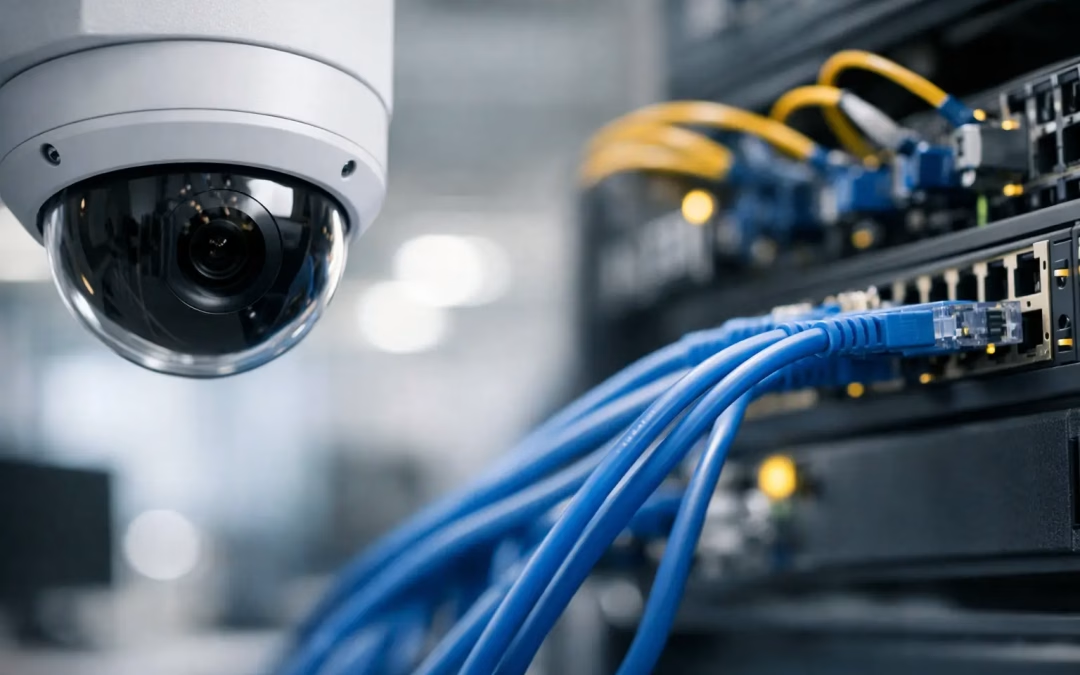
A camera installation can look straightforward until the first video stream starts competing with daily business traffic. Integrating security cameras with your existing network cabling is often the most cost-effective path to better visibility, but it requires more than mounting cameras and plugging them into the nearest wall jack. The cabling, switch capacity, camera placement, network design, and recording plan all need to work together.
For a Charleston office, warehouse, retail site, medical practice, or multi-tenant property, the goal is clear: add dependable coverage without creating slow connections, blind spots, or a network security problem. A structured assessment before installation helps determine whether the infrastructure already in place can support the system or whether targeted upgrades will produce a better long-term result.
Start With the Cabling You Have
Existing Cat5e, Cat6, and Cat6A cabling can often support IP security cameras. The right answer depends on cable condition, cable length, pathway access, the number of cameras, and the resolution and features of the cameras being considered.
Cat5e commonly supports gigabit network connections and can be suitable for many standard IP camera deployments. Cat6 provides more performance headroom and is a practical choice for sites adding multiple cameras, higher-resolution models, or new network hardware. Cat6A may make sense where cable runs need stronger protection from interference, where bandwidth needs are higher, or where the client wants infrastructure built for future expansion.
Cable category is only one part of the decision. A cable that is poorly terminated, damaged, stretched, exposed to moisture, or installed beyond recommended channel length can cause intermittent camera outages and unreliable video. Testing existing runs verifies whether they can carry data and Power over Ethernet reliably before cameras are selected and installed.
Do Not Assume Every Network Jack Is Ready for a Camera
A wall jack may look available, but its cable could terminate in an old patch panel, connect to an unmanaged switch, or share a path with equipment that has nothing to do with the camera system. Documentation is helpful, but many businesses have changed layouts, providers, and network hardware over the years. A physical tracing and test process prevents surprises after installation.
Camera locations also matter. An existing jack in an office may not help if the useful camera position is over an entrance, loading area, parking lot access point, or exterior gate. In those cases, extending structured cabling to the proper location is usually more reliable than depending on a wireless camera connection.
Plan Camera Coverage Before Adding Network Loads
Good coverage starts with the business risk, not a camera count. An office may prioritize entrances, reception areas, server closets, inventory rooms, and after-hours access points. A warehouse may need coverage for loading docks, shipping areas, aisles, and exterior doors. A homeowner may focus on driveways, doors, detached structures, and property boundaries.
The desired image detail affects the network plan. A camera intended to provide general awareness requires less detail than one intended to identify a face at a doorway or read a vehicle plate under specific conditions. Higher resolutions, wider fields of view, low-light capability, motion analytics, and faster frame rates can all increase bandwidth and storage demands.
This is where overbuying can be as problematic as underplanning. Installing high-resolution cameras everywhere may add cost, consume storage, and strain older switching equipment without improving the footage that matters. A site-specific design places the right camera at each risk point and sets recording quality based on the required outcome.
Check Power Over Ethernet Capacity
Most business IP cameras use Power over Ethernet, or PoE. This allows one network cable to carry both network data and camera power, reducing the need for separate local power equipment at each camera location. It is clean, practical, and well suited to structured cabling installations.
However, the network switch must have enough PoE capacity for every camera it supports. This is measured as a total power budget, not simply by the number of PoE ports. A basic fixed camera may use modest power, while a pan-tilt-zoom camera, an infrared model, or a camera with heaters may require substantially more, particularly in certain operating conditions.
For example, an eight-port PoE switch may physically connect eight cameras but still fall short if the total power budget is too low. The switch must also provide adequate network throughput. Reviewing both the port count and the available PoE budget avoids camera resets, unavailable features, and hard-to-diagnose problems later.
Leave Room for Growth
A camera system often expands after the first incident, facility change, or tenant request. If a switch is already at its port or power limit, one additional camera can trigger a larger replacement project. Where practical, select equipment and patch-panel capacity that leaves room for additional cameras, access points, door access devices, and future business needs.
Keep Camera Traffic From Disrupting Daily Work
Security cameras generate steady traffic, especially when recording continuously. On a small system, that traffic may be manageable on the same network as computers and phones. As camera counts and video quality increase, separating surveillance traffic becomes a smarter operational and security decision.
A dedicated virtual LAN, often called a VLAN, can place cameras in their own network segment while allowing approved recording equipment and authorized users to access video. This helps reduce unnecessary traffic on employee devices and limits how broadly cameras can communicate across the network.
Network segmentation is not a substitute for proper security settings. Cameras should use unique credentials, receive firmware updates when appropriate, and have remote access configured carefully. The recorder, firewall rules, switch configuration, and user permissions should be reviewed as one system. A camera connected to a cable is part of the business network, so it deserves the same planning as any other connected device.
For larger sites, uplink capacity deserves attention as well. Several cameras may connect to access switches in different parts of a building, then send traffic back to a central recorder. If those uplinks are undersized, video can lag or drop during busy periods. The issue may appear to be a camera problem when the real constraint is in the network path between the switch and recorder.
Choose the Right Recording and Storage Approach
Where video is recorded shapes the cabling and network design. A network video recorder installed in a secure equipment area is a common choice for business environments because it provides local control, predictable storage, and a central point for camera management. Some systems use server-based recording or cloud-managed storage, which can be useful for remote access and distributed sites.
The best choice depends on retention requirements, internet reliability, privacy expectations, and budget. Continuous recording at high resolution consumes much more storage than motion-based recording. Retaining footage for 30 days requires a very different storage calculation than retaining it for seven days.
A practical design identifies which cameras need continuous recording and which can use motion or event recording. It also considers whether important cameras should retain footage longer than general overview cameras. Storage estimates should be completed before equipment is purchased, not after the recorder fills up sooner than expected.
Install for Serviceability, Not Just Initial Operation
A camera system should be easy to support after the installers leave. That means clearly labeling camera cables, patch-panel ports, switch ports, and equipment locations. It means using proper cable management in the network rack and leaving accessible service loops where appropriate. It also means documenting the camera names, IP addressing approach, VLAN assignment, recording settings, and administrator access process.
These details reduce downtime when a camera needs replacement, a business changes its floor plan, or an MSP takes over support. They also make office moves and expansions less disruptive because the network infrastructure is understandable instead of improvised.
Professional installation is especially valuable when camera cabling must travel through ceilings, across multiple suites, between buildings, or to exterior locations. The shortest route is not always the best route. Cable pathways should support reliable performance, protect the installation, and allow future service without unnecessary disruption to the property.
When Existing Cabling Needs an Upgrade
Reusing cabling is often the right call, but not always. Replacement or new runs may be justified when tests reveal unreliable performance, the cable cannot reach the required camera locations, the existing pathway is overcrowded, or the project calls for more bandwidth and PoE capacity than the current infrastructure can support.
An upgrade can also be the practical choice when a site has a mix of undocumented legacy runs and repeated connectivity issues. Rather than building a new surveillance system on questionable connections, installing tested Cat6 or Cat6A cabling creates a dependable foundation for cameras, Wi-Fi, phones, and future network equipment.
The best camera installation is not the one with the most devices. It is the one that gives your team useful footage when it matters, keeps business connectivity dependable, and can be expanded without starting over. For businesses across Charleston County, Berkeley County, and Dorchester County, All Wiring Needs can assess the cabling and network path first, then build a camera-ready infrastructure plan around the way your property actually operates.
#SecurityCameras #NetworkCabling #Cat6 #PoE #BusinessSecurity #IPCameras #StructuredCabling #VLAN #PoESwitch #NVR #CameraInstallation #CharlestonSC #CharlestonCounty #BerkeleyCounty