
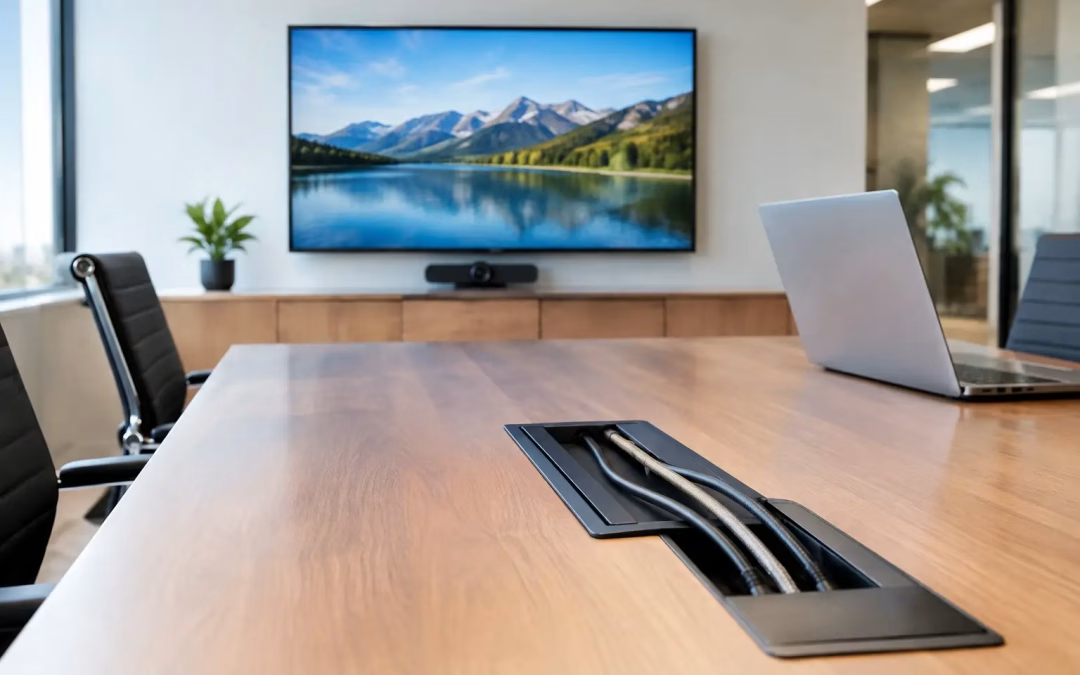
A conference room can have premium displays, quality cameras, and fast internet, yet still frustrate employees if cables are tangled behind the table, adapters disappear, and nobody can tell what connects where. Effective av & cable management turns that weak point into dependable infrastructure. It gives your team a workspace that is easier to use, easier to support, and far less likely to create delays before an important meeting.
For offices, medical practices, retail locations, property managers, and growing businesses, cable organization is not a cosmetic finishing touch. It affects system reliability, troubleshooting time, safety around work areas, future upgrades, and the professional impression your space makes on staff and visitors.
Why AV & Cable Management Matters in a Working Office
Audio/video equipment and network hardware rarely stay simple for long. A single room may include displays, conferencing cameras, microphones, speakers, wireless presentation devices, network connections, and control components. At the same time, nearby desks, access points, printers, and security devices may depend on structured cabling routed through the same area.
Without a plan, new cords get added as needs change. One temporary connection becomes permanent, unlabeled cables get pulled or unplugged by mistake, and access to critical equipment becomes difficult. When a display stops receiving a signal or a conference camera goes offline, the team may spend far too long tracing a cable through a crowded cabinet or under a table.
Good cable management prevents that confusion. It creates clear routes, protects cable bend radius, keeps connections accessible, and separates systems logically. The result is a cleaner installation, but the bigger benefit is operational: problems can be identified and resolved faster with less disruption to the workday.
It also protects your investment. Data cabling, fiber connections, AV signal cables, and device leads are more likely to perform consistently when they are secured properly rather than pinched, tightly bent, or left exposed in high-traffic areas.
Start With the Room’s Real Use
The best approach begins with how people actually use the space, not just where equipment fits on a drawing. A small huddle room needs a different setup than a boardroom, training room, reception area, or open office. A system that looks tidy but puts needed connections out of reach will lead employees to create workarounds.
During planning, consider where users sit, where displays and cameras will be viewed, how guests connect, and who needs access to equipment after installation. Think beyond opening day. If you expect additional staff, a second display, new conferencing hardware, or more wireless coverage later, reserve capacity now. Adding pathways and service access during a planned installation is usually more efficient than reworking finished space later.
For a business moving into a new office, AV and network planning should happen before furniture placement and before walls or ceilings are closed. This allows cable routes, network closet layout, wall locations, table connections, and wireless access point placement to work together. It also reduces the risk of visible surface runs that could have been avoided with earlier coordination.
Labeling Is a Service Tool, Not a Detail
Every cable should have a purpose that can be identified without guesswork. Clear, durable labels at both ends of a run help installers, IT teams, managed service providers, and future vendors understand the system quickly.
A useful labeling plan identifies the room, outlet or device location, and destination point. For example, a conference room display connection should be distinguishable from a nearby camera or network run. Inside a rack or cabinet, patch cords should also be documented so changes can be made confidently.
This matters most when time is limited. If internet service is disrupted, a network switch needs replacement, or a meeting room must be restored before a client presentation, accurate labels reduce unnecessary testing and prevent accidental disconnects.
Choose Routes That Support Maintenance
Concealed cable pathways can create a polished appearance, but concealment should not make future service impossible. Access panels, service loops where appropriate, correctly sized pathways, and organized equipment cabinets all make maintenance easier.
Under-table cable trays, wall plates, floor boxes, surface raceways, and properly designed equipment racks each have a place. The right choice depends on the building, the type of furniture, lease restrictions, and whether the system may expand. A historic Charleston office, for example, may require a different routing strategy than a newly built commercial suite.
Avoid overpacking pathways just to save space. Cables need room for proper routing, future additions, and safe service access. Overcrowded pathways make it harder to isolate a connection and can turn a simple upgrade into a larger project.
Build a Clean Foundation for Network and AV Systems
AV performance and network performance often overlap. Video conferencing, wireless presentation tools, digital signage, and cloud-based collaboration platforms all depend on reliable connectivity. That is why cable management should be coordinated with structured cabling, switching hardware, Wi-Fi design, and equipment placement.
For example, a conference room may need dedicated Cat6 or Cat6A runs for a camera, touch controller, wireless access point, and display-related equipment. Installing the right number of runs from the start gives the room flexibility and reduces dependence on temporary patching later. In higher-demand environments, the cabling category, route length, and hardware requirements should be selected for the performance the room needs today and the changes likely tomorrow.
Equipment racks and wall-mounted cabinets deserve the same attention. A well-organized rack uses appropriate cable lengths, horizontal and vertical managers, labeled patch panels, and logical device placement. Patch cords should be long enough to route cleanly without strain, but not so long that excess cable becomes a tangled mass.
There is a trade-off between making every cabinet look perfectly minimal and leaving enough service slack for practical maintenance. The goal is not decorative perfection. The goal is a system a qualified technician can inspect, test, modify, and restore without creating downtime for the business.
Common Problems That Signal a Need for Improvement
Many businesses wait until an office move or technology failure to address cable organization. In practice, there are earlier warning signs. If staff regularly ask which cable belongs to a display, if meeting room equipment needs frequent resets, or if technicians struggle to access a network cabinet, the setup may be due for evaluation.
Other signs include loose cables around workstations, unlabeled ports, cable bundles resting on ceiling systems, crowded equipment closets, and rooms that rely on loose adapters or extension leads to function. These conditions can create poor user experiences and make routine changes unnecessarily expensive.
A site assessment can identify which issues are cosmetic and which ones affect reliability, capacity, or security. In some cases, a focused cleanup and relabeling project is enough. In others, outdated cabling, insufficient pathways, or poorly located equipment calls for a more complete redesign.
A Practical Installation Process
A dependable project starts with a walkthrough and clear scope. The installer should understand the room layout, available pathways, existing cabling, required devices, and business schedule. For occupied offices, the work plan should account for noise, access requirements, and areas that cannot be interrupted during business hours.
Next comes design coordination. Cable routes, wall plates, furniture connections, equipment locations, and network terminations should be mapped before installation begins. This is also the time to confirm compatibility with conferencing platforms, displays, cameras, switches, access points, and any existing infrastructure worth retaining.
Installation should be followed by testing, labeling, and documentation. Testing verifies that data runs perform as intended, while documentation gives your IT team a reference for future support. Before the project is considered complete, staff should know how to use the room and where to call when changes are needed.
At All Wiring Needs, this approach helps Charleston-area businesses manage the physical infrastructure and the connectivity decisions around it through one coordinated project process.
Keep the System Organized After Installation
Cable management is easiest to preserve when changes follow a basic standard. New devices should be labeled, old cables should be removed rather than abandoned, and patching should be documented when equipment moves. These habits prevent an organized installation from gradually becoming difficult to service.
Schedule a review after major changes such as office expansion, a new phone system, upgraded Wi-Fi, a conference room refresh, or an ISP transition. Those projects often affect more than one part of the infrastructure, and addressing cable routing at the same time avoids repeat work.
A well-managed AV and cabling system lets people focus on the meeting, the customer, or the work in front of them instead of the technology behind the wall. If your office has reached the point where connections are hard to trace or rooms are hard to use, a professional assessment can provide a clear path forward before small frustrations become costly downtime.
#AVCableManagement #CableManagement #ConferenceRoom #AVInstallation #StructuredCabling #Cat6 #CableLabeling #EquipmentRack #MeetingRoomSetup #OfficeAV #CharlestonSC #NetworkCabling #WorkspaceDesign #ProfessionalOffice