
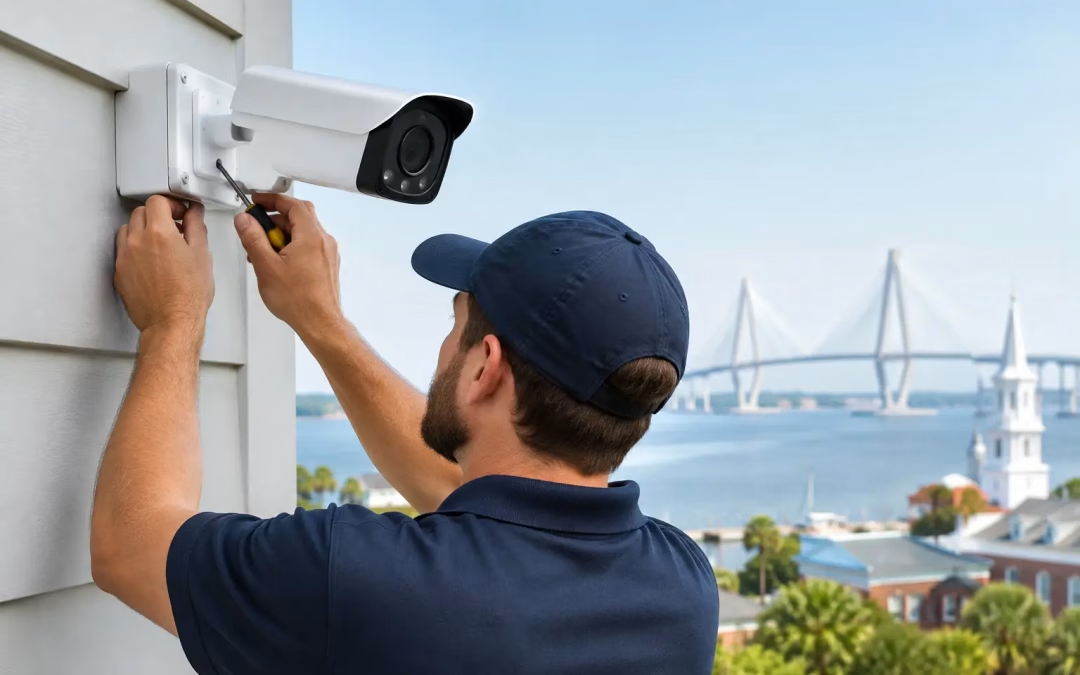
A camera mounted over the front door can record a face. A properly planned system can help a business understand what happened at the loading area, who entered an office after hours, and whether a remote location is operating as expected. That difference is why security camera installation Charleston SC businesses can rely on starts with planning, not with selecting the first camera on a shelf.
For offices, retail spaces, warehouses, multifamily properties, and homes, the goal is not simply to add more cameras. The goal is useful coverage, reliable recording, secure access, and an infrastructure layout that will still make sense when the property changes.
Start With the Questions That Matter
Before deciding on camera models or recording capacity, walk the property with a clear set of priorities. Where are the actual risks? Which entrances are used by staff, customers, vendors, or delivery drivers? Are there areas where inventory, equipment, vehicles, or sensitive information need visibility?
A site assessment also identifies practical constraints. Camera placement can be affected by building materials, ceiling access, exterior mounting points, lighting conditions, existing network capacity, and the distance back to the network rack. A camera may have a wide field of view, but it is not helpful if glare obscures faces every afternoon or if the shot is too wide to capture usable detail.
For a business, it also helps to decide what the system is meant to accomplish. Loss prevention, employee safety, access verification, operational oversight, and incident documentation can each require different coverage. A small office may need clear views of entry points and reception. A warehouse may need focused coverage of dock doors, aisles, equipment areas, and exterior vehicle access.
Coverage Quality Beats Camera Count
More cameras do not automatically mean better protection. The right installation places cameras where they can answer a specific question: who came through this door, what was removed from this room, which vehicle entered this gate, or what occurred in this corridor.
Entry and exit points are usually the first priority. Cameras should be positioned to capture faces at an appropriate angle rather than only the tops of heads. Interior common areas, cash-handling locations, supply rooms, and server or telecom rooms may also need coverage based on the business’s operations.
Exterior coverage needs extra attention. Charleston-area properties deal with bright sun, changing weather, humidity, and low-light conditions. A camera aimed directly toward sunrise or sunset may produce poor images during critical hours. Locations exposed to rain and heat need equipment and mounting methods suited for the environment. At night, nearby lighting, reflective surfaces, and infrared performance can all affect usable footage.
Privacy matters, too. Cameras should support safety and operations without creating unnecessary concern for employees, tenants, or visitors. Coverage should be intentional, clearly communicated where appropriate, and planned with reasonable privacy expectations in mind. Recording audio introduces additional considerations and should be evaluated carefully before deployment.
The Network Is Part of the Security System
Modern IP cameras are network devices. That means the quality of the cabling, switching, power delivery, network segmentation, and remote access setup directly affects the system’s reliability.
Wi-Fi cameras can make sense for a limited residential use case or a location where a cable route is genuinely impractical. For most commercial installations, hardwired cameras are the more dependable choice. They avoid wireless congestion, provide a stable connection, and can often receive power through the same network cable using Power over Ethernet. This creates a cleaner installation and reduces the number of separate power connections required at camera locations.
The cable category and pathway should be selected for the project, not guessed. Cat6 or Cat6A cabling may be appropriate when a site needs higher bandwidth, long-term flexibility, or a larger camera deployment. Properly supported cable runs, labeled terminations, organized patch panels, and documented ports make future troubleshooting far easier.
A dedicated camera network or properly configured network segment can improve security and performance. It keeps camera traffic separate from critical business activity, helps control who can access devices, and makes it easier to manage bandwidth. The design depends on the size of the system, available hardware, remote viewing needs, and whether the site already has a managed network in place.
Plan for Recording and Bandwidth
High-resolution cameras deliver more detail, but they also use more storage and network capacity. The right balance depends on the area being monitored, the required level of detail, frame rate, recording schedule, and retention period.
Continuous recording offers a fuller record of activity but requires more storage. Motion-based recording can conserve space, though poor motion settings can create missed events or excessive alerts. Many businesses use a combination, with continuous recording in high-priority areas and event-based recording where activity is less frequent.
Remote viewing also needs to be planned correctly. Owners and managers often want to check footage from home or while traveling, but convenience should not come at the expense of security. Strong passwords, individual user accounts, multi-factor authentication when available, firmware updates, and restricted remote access are practical safeguards. Avoid sharing one generic login among every user who needs access.
What a Professional Installation Should Include
A security camera project should produce more than mounted devices and a mobile app. The finished system should be organized, tested, and understandable to the people responsible for it.
A well-managed installation typically includes a site review, coverage plan, cable routing strategy, equipment selection, network and recording configuration, camera aiming, image testing, labeling, and user handoff. Final testing should happen in the conditions that matter, including after dark when exterior coverage is part of the project.
Camera angles often need adjustment after real-world review. A view that appears correct from a ladder may miss a face at the doorway or leave a gap near a loading zone. Testing live views and recorded footage helps confirm that each camera is delivering usable images rather than just checking a box on a floor plan.
Documentation is equally valuable. When camera names, locations, switch ports, recording settings, and credentials are managed properly, future maintenance becomes faster and less disruptive. This is especially useful for businesses expanding into adjacent suites, opening another location, or working with an internal IT team or managed service provider.
Common Mistakes That Create Problems Later
The lowest upfront price can become expensive when a system has unreliable connections, poor coverage, unsupported equipment, or no clear path for expansion. A basic camera package may look attractive until recording retention is too short, remote viewing is inconsistent, or the network slows down during busy periods.
Another common issue is treating cameras as separate from the rest of the property infrastructure. When cabling is installed without considering the network rack, Wi-Fi access points, door access controls, or future workstation locations, the result can be cluttered pathways and avoidable rework. Coordinating these systems during an office move, renovation, or build-out saves time and keeps the site more organized.
Businesses also underestimate the value of ongoing ownership practices. Cameras need occasional lens cleaning, firmware review, user access updates, and confirmation that recordings are still being retained as expected. If a manager leaves the company, their access should be removed promptly. If a camera view becomes blocked by signage, landscaping, or a new storage rack, it should be corrected before an incident exposes the problem.
Security Camera Installation in Charleston SC for Growth
The best camera systems are designed for the property as it operates now and the changes likely to come next. A growing office may add doors, work areas, or parking needs. A retail business may rearrange displays. A warehouse may change traffic flow or add loading capacity. Leaving room in the network rack, switch capacity, cable pathways, and recording platform makes expansion more practical.
All Wiring Needs approaches camera infrastructure with the same attention given to structured cabling and business connectivity. That means looking beyond the devices to the network foundation that supports them, then completing the work with clear organization and minimal disruption to daily operations.
If you are considering new cameras or replacing an unreliable system, begin with a walkthrough of the property and the questions you need the footage to answer. A clear coverage plan and a dependable network foundation will serve you far better than a collection of cameras installed without a purpose.
#SecurityCameraInstallationCharlestonSC #CharlestonSecurityCameras #CommercialSurveillance #NetworkCabling #PoECameras #BusinessSecuritySystems #WarehouseSecurity #OfficeSecurity #CharlestonSCBusinessProfessional #SecurityInfrastructure #StructuredCabling #VideoSurveillance #CommercialSecurity #NetworkDesign #BusinessContinuity #Cat6