
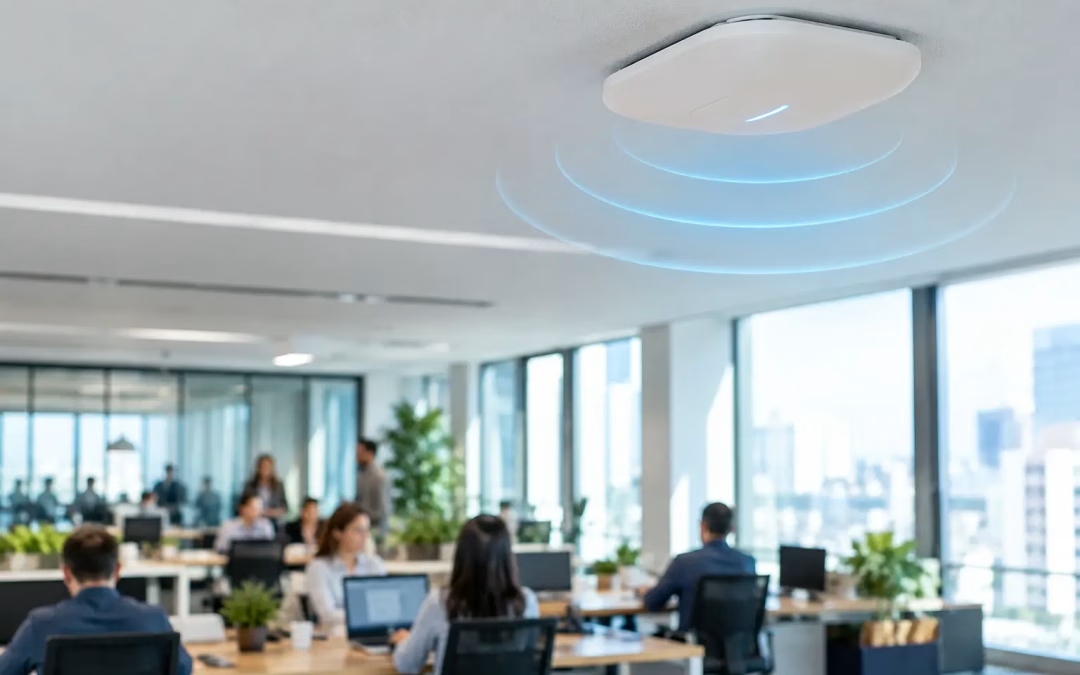
A conference room can look perfectly covered on a Wi-Fi heat map and still become unusable the moment 25 people open laptops, join video calls, and connect phones. That is the problem access point capacity planning solves. It is not simply a question of whether a signal reaches every corner of the office. It is about whether the network can serve the number of active devices, the type of traffic, and the expectations of the people using it at the same time.
For offices, retail spaces, medical practices, warehouses, and multi-tenant properties, poor capacity planning shows up as spinning video calls, slow cloud applications, dropped connections, and complaints that seem to appear only during busy hours. Adding another access point without a design may help temporarily, but it can also create interference and leave the real bottleneck untouched.
What Access Point Capacity Planning Actually Measures
Wi-Fi capacity is the amount of useful network service available to connected clients in a specific area. An access point has a finite amount of airtime to share. Every laptop, phone, tablet, camera, scanner, and guest device competes for that airtime, even when it is not actively downloading a large file.
Access point capacity planning looks at concurrent usage rather than the total number of devices on an inventory list. A 60-person office may have 180 Wi-Fi-capable devices, but not all 180 will be active at once. On the other hand, a 40-seat training room may place far more demand on the network than a larger office because every attendee is actively using cloud applications and video conferencing at the same time.
The planning process should account for the number of users in each zone, the devices each person carries, expected simultaneous activity, application requirements, building materials, and the wired network that supports the access points. It also considers growth. A design that works only on a quiet Tuesday morning is not a dependable business network.
Coverage Is Not the Same as Capacity
Coverage answers a basic question: can a device detect and connect to Wi-Fi from this location? Capacity answers a more valuable one: can that device work well when the room is full?
A single access point may provide a visible signal across a large open office. That does not mean it should serve every employee, every visitor, and every meeting room device in that area. As more clients associate with one access point, they share available airtime. Performance falls quickly when users begin applications that require steady throughput and low delay, such as video meetings, voice services, cloud desktops, or large file synchronization.
This distinction matters during office moves and expansions. Many businesses base their design on square footage alone, which can result in too few access points in high-density spaces and too many poorly coordinated units in low-use areas. Square footage remains useful, but it is only one input.
A break room, lobby, open workspace, executive conference room, and warehouse floor can occupy similar footprints while creating very different demands. The conference room may need dedicated capacity during meetings. The warehouse may need consistent roaming for mobile scanners. The lobby may require a separate guest network that cannot affect internal operations.
Start With People, Devices, and Applications
A practical design begins with how the space operates. Count expected users by area and identify the busiest periods, not just average daily occupancy. Then estimate active devices per user. For a typical office, that may include a laptop and phone for each employee, plus conference-room equipment, printers, tablets, and guest devices.
Next, identify what those devices need to do. General email and web browsing create modest demand. Video calls, cloud backup, design files, online training, point-of-sale traffic, voice services, and wireless cameras can change the calculation significantly. A business with a few dozen staff members may need a more deliberate design than a larger organization that primarily uses basic web applications.
It also helps to separate business-critical traffic from convenience traffic. Employees accessing cloud software and internal systems should not compete unnecessarily with guest streaming or personal device updates. Network segmentation, appropriate quality-of-service settings, and a properly configured guest network can protect business activity when demand rises.
Calculate for Concurrent Clients, Not Marketing Numbers
Access point specifications often advertise support for a large number of clients. Those figures are useful as technical limits, but they are not a recommended operating target. An access point may allow many devices to connect, yet the user experience can decline well before that maximum is reached.
The appropriate client count depends on the access point model, the Wi-Fi standard in use, the applications running, and the radio environment. A high-density meeting space needs more conservative planning than an area where devices only check email periodically. Video-heavy environments, for example, benefit from fewer active clients per radio and more carefully placed access points.
As a planning approach, estimate the active clients expected in each zone during peak usage, then build in headroom. That headroom matters when visitors arrive, staffing increases, or a new application becomes part of daily work. It is usually less disruptive and more cost-effective to install a scalable foundation than to redesign a ceiling-mounted system after complaints begin.
The Building Can Change the Design
Physical conditions affect both signal strength and capacity. Drywall, glass, brick, concrete, metal shelving, reinforced walls, and dense storage areas all influence how Wi-Fi travels. Large open spaces are not automatically easy either. High ceilings, racking, and machinery can create unexpected reflections and dead spots.
A predictive plan based on drawings can establish a starting point, especially before an office build-out or relocation. A site survey and post-installation validation provide the real-world proof. They reveal where access points should be moved, where power levels should be adjusted, and whether clients roam correctly between areas.
Placement should support the intended users, not just the easiest cable route. Access points hidden above obstructions, placed at one end of a long room, or installed too close together can create poor results. The cabling plan is part of the Wi-Fi plan. Each access point needs a properly tested network run, appropriate switching capacity, and the power delivery required by the selected hardware.
Plan the Wired Network Behind the Wi-Fi
Wireless performance ultimately depends on the network serving it. An access point with modern radios can be limited by an undersized switch uplink, insufficient Power over Ethernet capacity, or aging horizontal cabling. When multiple access points share a constrained connection, users may blame Wi-Fi even though the issue sits behind it.
For new installations and major upgrades, Cat6 or Cat6A cabling gives businesses a stronger path for higher access point speeds and future hardware changes. The right choice depends on cable distance, switch capabilities, budget, and expected lifecycle. There is no value in overspending on specifications the site cannot use, but cutting corners can make the next upgrade more expensive.
Security deserves the same attention. Business devices, guest users, cameras, and smart building equipment should not all share one unrestricted network. Proper segmentation limits exposure and makes troubleshooting easier. Firewall policies, secure authentication, and managed access controls should align with the way the business actually operates.
Avoid the Common Fixes That Create Bigger Problems
When Wi-Fi slows down, the most common reaction is to add another access point. Sometimes that is the right answer. Often, it is not the complete answer.
Too many access points in a small area can create co-channel interference, where devices and access points compete on the same channel. Excessive transmit power can cause clients to hold onto a distant access point instead of roaming to a closer one. Using automatic settings without validation can also leave busy areas with an uneven channel plan.
Another common issue is designing around the 2.4 GHz band. It remains useful for some legacy and low-bandwidth devices, but it has fewer non-overlapping channels and more potential interference. Most modern business devices benefit from a design that prioritizes 5 GHz and, where appropriate, newer Wi-Fi bands. The best mix depends on the client devices, building layout, and operational needs.
A Practical Planning Process for an Office
A dependable project begins with a walkthrough or detailed review of plans, occupancy, workflows, and existing network conditions. The next step is to create an access point layout that addresses both coverage and peak demand. That layout should be coordinated with structured cabling routes, switch locations, equipment closets, ceilings, and areas where future growth is likely.
After installation, the work should include testing and optimization. This is where assumptions are checked against actual conditions: signal quality, roaming behavior, channel use, throughput, and application performance in the spaces that matter most. Documentation of cable runs, access point locations, switch ports, and network segments also makes future changes faster and less disruptive.
For Charleston-area businesses planning a new office, an expansion, or a Wi-Fi refresh, All Wiring Needs can coordinate the physical network infrastructure and the access point deployment as one project. That reduces handoffs between vendors and helps ensure the cabling, switching, placement, and security plan support the same result.
A good Wi-Fi network should fade into the background of the workday. When teams can move through the office, meet with clients, use cloud tools, and bring on new devices without hunting for a signal or restarting a video call, the planning behind the network is doing its job.
#WiFiCapacityPlanning #AccessPointCapacity #BusinessWiFi #EnterpriseWiFi #WiFiDesign #NetworkCapacityPlanning #HighDensityWiFi #WiFiOptimization #OfficeWiFi #CommercialWiFi #StructuredCabling #PoE #Cat6A #NetworkInfrastructure #CharlestonSC #CharlestonWiFi #CharlestonIT #CharlestonNetwork #SouthCarolinaWiFi #LowcountryWiFi