
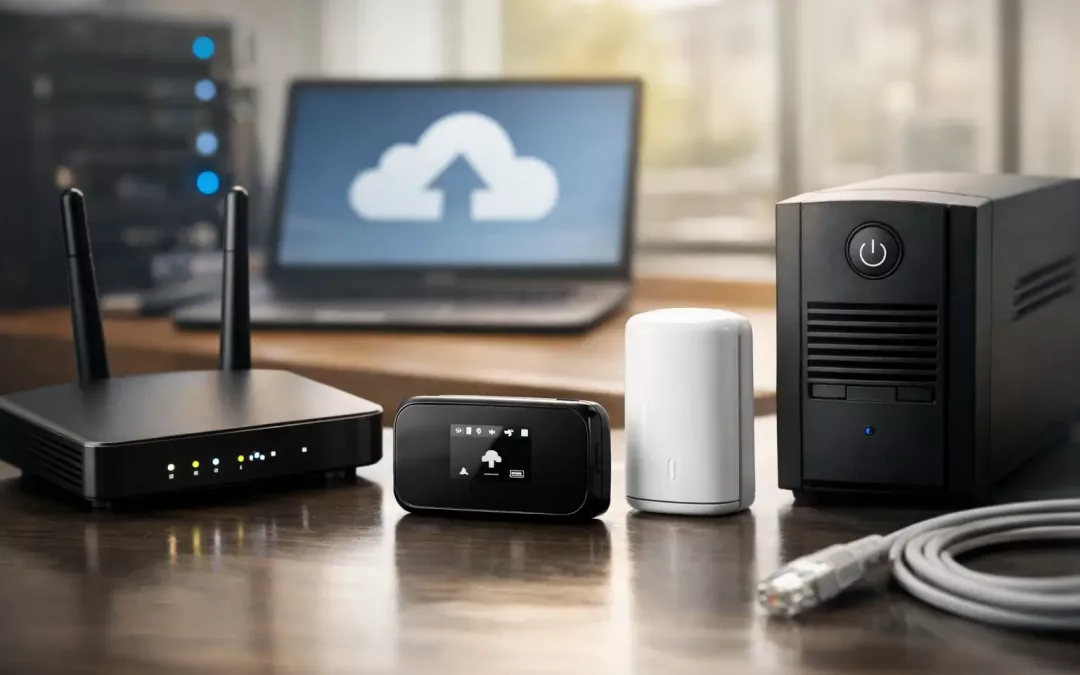
If your internet goes down at 10:15 on a Tuesday, the problem is not just email. Phones may stop ringing, card payments may fail, cloud apps can freeze, guest Wi-Fi complaints start piling up, and remote staff lose access to shared systems. A solid business internet backup options guide starts with that reality: downtime is rarely an IT inconvenience. It is an operations problem.
For small and mid-sized businesses, backup internet is less about buying a second circuit and more about matching the right failover strategy to how your site actually works. A medical office, retail store, law firm, warehouse, and multi-tenant office suite all use connectivity differently. The best backup plan depends on what must stay online, how fast failover needs to happen, and how much risk your team can tolerate.
What backup internet is really supposed to do
The goal is continuity, not perfection. Your backup connection does not always need to carry every device, every cloud platform, and every guest user at full speed. In many cases, it only needs to keep priority traffic alive long enough for the primary service to recover or for staff to keep working without a major interruption.
That distinction matters because it affects cost and design. If your team only needs VoIP, payment processing, VPN access, and a few business-critical apps during an outage, the backup can be sized and configured around those needs. If you expect the office to operate normally for hours or days, that calls for a different setup.
Business internet backup options guide for real-world sites
Most business backup strategies fall into a few practical categories. Each one has strengths, limitations, and a best-fit use case.
Secondary wired internet connection
This is the most straightforward option: a second internet service installed at the same site, often from a different provider. In the best case, the two circuits do not share the same local path, so a single outage is less likely to affect both.
For offices that depend heavily on cloud systems, a secondary wired circuit is often the most stable backup choice. It can support automatic failover through a dual-WAN router or firewall and usually delivers better consistency than wireless backup. The trade-off is monthly cost and the need to verify whether the providers truly offer diverse routing. Two bills do not automatically mean true redundancy.
Cellular failover
Cellular backup is popular because it is fast to deploy and works well for many small and mid-sized locations. A 4G LTE or 5G connection can keep essential systems online when the primary circuit drops, especially if your firewall or gateway is configured to fail over automatically.
This works especially well for sites that need continuity for point-of-sale systems, phones, remote access, and moderate cloud usage. The downside is that performance can vary based on signal strength, network congestion, building construction, and carrier coverage. Data caps or throttling can also become a problem if the backup link is carrying full office traffic for too long.
Fixed wireless internet
Fixed wireless can be a strong option when wired service is limited, slow to install, or unreliable in a specific area. Because it uses a different delivery method than cable or fiber, it can add useful path diversity.
It is not ideal for every building. Line-of-sight, rooftop access, and local provider availability all matter. But in the right setting, fixed wireless can be more stable than people expect and may work well as either a primary or backup service.
A second circuit from the same carrier
This option can still help, but it needs careful evaluation. Some businesses assume two lines from the same provider equal redundancy. Sometimes they do not. If both services rely on the same neighborhood infrastructure or enter the building through the same path, one upstream issue can take out both.
That does not make it useless. A second circuit from the same carrier may still improve uptime if the primary issue is limited to modem failure, port problems, or one specific service tier. It is just not the strongest redundancy design if your business cannot afford a true outage.
How automatic failover actually works
Backup internet is only as good as the equipment managing it. If your router, firewall, or gateway is not set up for dual connections and automatic failover, your backup plan may still require manual intervention. That is where many businesses run into trouble.
A proper failover setup monitors the primary connection and shifts traffic to the backup when it detects a loss of service. Better systems also support failback logic, traffic prioritization, VPN continuity, and policy rules that keep nonessential traffic from consuming limited backup bandwidth.
This is why the physical network matters as much as the carrier plan. Cabling, rack organization, WAN handoff placement, firewall configuration, and Wi-Fi design all affect how reliable your failover will be when something breaks.
Choosing the right backup by business type
A retail location usually needs fast credit card processing, stable phones, and enough bandwidth for cloud POS tools. Cellular failover often works well here if the network is configured to prioritize payment and voice traffic.
A professional office with heavy video meetings, file syncing, and cloud platforms may be better served by a second wired connection. The team will feel the difference between a limited backup link and one that can carry most of the normal workload.
A medical or legal office may put more weight on secure remote access, uptime, and controlled traffic flows. In those cases, failover needs to be tied closely to firewall rules, VPN behavior, and segmented network design.
A warehouse or industrial site might need backup connectivity for scanners, inventory systems, cameras, and office traffic across a larger footprint. There, the internet plan and the on-site cabling layout need to support each other. Weak infrastructure inside the building can make a decent backup circuit look unreliable.
Common mistakes that make backup internet fail
The biggest mistake is assuming the backup will just work because the hardware says it supports failover. Configuration matters. Testing matters more.
Another common issue is forgetting power protection. If the modem, firewall, switches, or access points lose power during a disruption, your backup connection will not save you. Battery backup for core networking gear is often part of the real continuity plan.
Businesses also tend to overlook coverage inside the building. A strong cellular plan does not help much if signal quality is poor where the equipment is mounted. Antenna placement, device location, and building materials can affect backup performance more than the advertised speed on the carrier brochure.
Then there is traffic overload. If everyone keeps streaming, syncing large files, and using guest Wi-Fi during failover, the backup circuit may become unusable. Good network policy prevents that by reserving bandwidth for what matters most.
What to ask before you choose a backup option
Start with outage impact. Ask which systems must stay up for the first 15 minutes, the first hour, and the first business day. That gives you a practical picture of required bandwidth and failover speed.
Next, ask whether true carrier diversity is available at your address. In some buildings, the best answer may be fiber plus cellular. In others, cable plus fixed wireless is the more realistic pairing. What looks best on paper is not always what the site can support.
You should also ask how the backup will be tested and maintained. A failover design that is never tested is a guess. Scheduled testing, firmware updates, and configuration reviews are part of making backup internet dependable over time.
When a custom setup makes more sense
Some businesses need more than simple failover. They may need load balancing across two active circuits, separate internet paths for tenants, segmented traffic for security, or a network redesign during an office move or expansion. In those cases, backup internet is not a single product choice. It is part of a broader infrastructure plan.
That is often where a contractor with both cabling and connectivity experience adds value. The issue may not be the ISP alone. It may be the firewall placement, old cabling, poor Wi-Fi distribution, a weak demarc layout, or hardware that was never designed for redundancy. All Wiring Needs often sees this firsthand when businesses are trying to improve uptime without rebuilding everything from scratch.
The right backup plan is the one you can trust under pressure
A good backup connection should not create more decisions during an outage. It should already be tested, prioritized, and built around how your business actually runs. If you are evaluating options, focus less on headline speeds and more on failure points, path diversity, and what your team truly needs to keep moving when the primary line goes down. That is usually where the smartest investment becomes obvious.