
A dropped video call in the middle of a client meeting usually settles the wired network vs wireless network debate faster than any spec sheet. Most businesses and homeowners do not need a theoretical answer. They need a network that works consistently, supports the way people actually use the space, and does not create new problems six months from now.
The real question is not which option is universally better. It is which one fits your building, devices, bandwidth needs, security requirements, and growth plans. In many cases, the best answer is not purely wired or purely wireless. It is a network designed to use both where each one performs best.
Wired network vs wireless network: the core difference
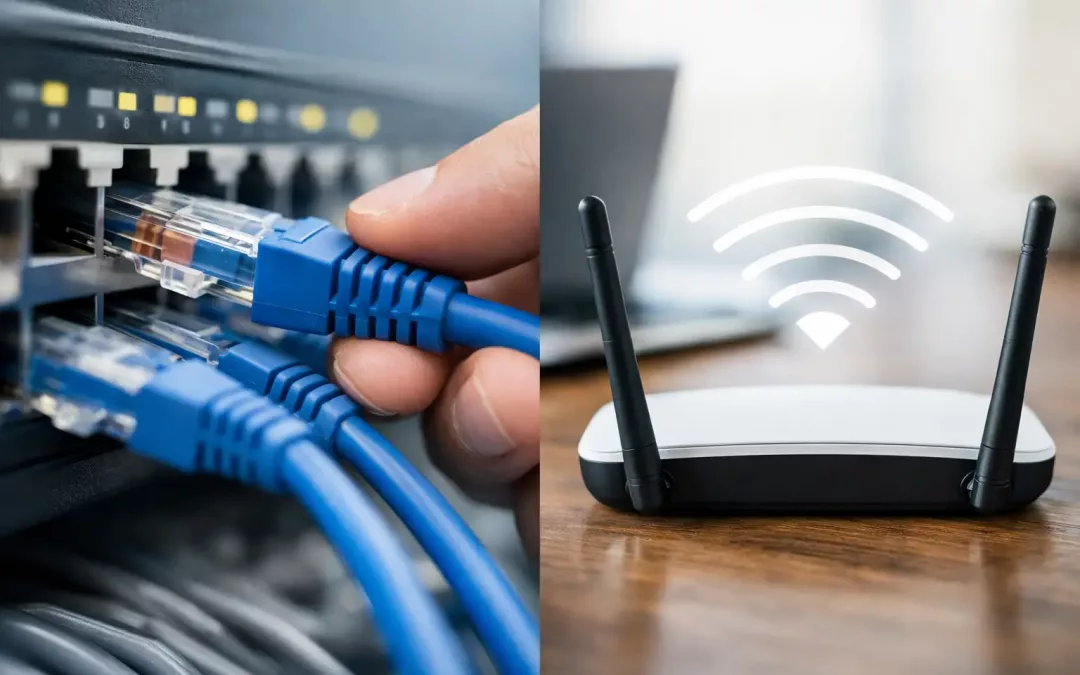
A wired network connects devices through physical cabling, typically using Ethernet runs such as Cat5e, Cat6, or Cat6A. A wireless network connects devices over Wi-Fi through access points and radio signals instead of direct cable connections.
That difference affects almost everything downstream – speed consistency, latency, security exposure, installation scope, and how easy it is to move devices around. On paper, wireless offers convenience. In practice, convenience does not always equal performance. Wired connections remove a lot of variables that cause frustrating day-to-day issues, especially in offices with heavy traffic, cloud apps, VoIP phones, video conferencing, cameras, printers, and shared files moving at the same time.
When a wired network makes more sense
If reliability is the top priority, wired usually has the advantage. A cable run from a switch to a workstation or device gives you a stable path with less interference and more predictable speeds. That matters in business settings where downtime costs money or where users need dependable access to cloud platforms, file servers, phone systems, and security hardware.
Wired networks also tend to perform better for latency-sensitive tasks. If your team relies on voice calls, video meetings, remote desktops, large file transfers, or connected equipment that cannot afford interruptions, a hardwired connection gives you fewer surprises. It is also easier to troubleshoot. When a wired device has a problem, you can isolate the issue more directly by checking the cable, port, switch, or hardware. Wi-Fi issues often involve signal overlap, coverage dead zones, wall materials, interference from neighboring networks, or poor access point placement.
Security is another major reason businesses still invest in structured cabling. A wired network gives you tighter physical control over how devices connect. That does not make it automatically secure, but it does reduce some of the exposure that comes with wireless access. For offices handling sensitive business information, payment systems, private client data, or internal operational systems, that extra control can be worth the installation cost.
When a wireless network is the better fit
Wireless wins on mobility and flexibility. If people move around constantly with laptops, tablets, scanners, or phones, Wi-Fi is essential. It also makes sense in spaces where running cable to every device would be impractical or unnecessary.
For many homeowners, a wireless network covers most day-to-day needs well. Streaming, browsing, smart home devices, and general internet use can all work smoothly on a properly designed Wi-Fi setup. The same is true for offices with shared work areas, guest access, collaborative meeting spaces, or teams that rotate desks.
Wireless can also reduce visible clutter and simplify short-term layout changes. If you reconfigure furniture, add temporary workstations, or host events, Wi-Fi gives you flexibility that hardwired-only networks do not. That said, strong wireless performance is not automatic. It depends heavily on access point placement, signal planning, building materials, user density, and the quality of the underlying network hardware.
Speed is not just about the internet plan
One of the biggest misconceptions in the wired network vs wireless network conversation is that internet speed alone determines performance. It does not. You can buy a fast internet package and still have poor user experience if the internal network is poorly built.
A wired connection generally delivers more consistent throughput than Wi-Fi. Wireless speeds can look impressive in marketing materials, but real-world results vary from room to room and device to device. The farther you get from the access point, or the more walls and interference you add, the more that performance can drop.
For businesses, consistency often matters more than peak speed. A stable 300 Mbps connection to a desktop can be more valuable than a wireless connection that swings between excellent and unusable throughout the day. That is especially true when many users share the same wireless infrastructure.
Reliability in busy offices and larger properties
As the number of connected devices grows, network design matters more. A small office with five users has different demands than a growing business with thirty employees, multiple printers, conference rooms, cameras, access control, and cloud-based operations.
Wired infrastructure scales well because each permanent device can have its own dedicated connection. That takes pressure off Wi-Fi and reserves wireless capacity for devices that truly need mobility. In a larger office, relying on Wi-Fi for everything can create congestion, coverage complaints, and inconsistent performance during peak hours.
Buildings also affect wireless reliability more than many people expect. Concrete, metal framing, glass, equipment rooms, and even furniture layouts can disrupt signal patterns. A strong router in one corner of the suite rarely solves coverage across the entire space. Proper wireless design usually means multiple access points, planned placement, and a wired backbone connecting them.
Cost depends on timing and goals
Wireless often looks cheaper upfront because there is less visible installation. But the true cost depends on what the network needs to support. If you install basic Wi-Fi in a space that actually needs stronger infrastructure, you may end up paying twice – first for the quick fix, then for the rebuild.
Wired networks have higher initial installation costs because cabling, termination, testing, hardware placement, and layout planning take labor and materials. The payoff is long-term stability, easier expansion, and fewer performance issues tied to signal limitations.
For new office buildouts, renovations, or relocations, adding structured cabling early is usually the smart move. Once walls are closed and teams are working, upgrades become more disruptive. For existing spaces, a phased approach often makes sense: hardwire critical devices first, improve wireless coverage second, and leave room for future growth.
Security trade-offs to think through
A wired network is generally easier to lock down from an access standpoint, but every network still needs proper security configuration. Firewalls, segmentation, secure hardware setup, VPN access, and ongoing management all matter.
Wireless adds convenience, but that convenience creates more entry points. Guest access, employee devices, smart devices, and weak passwords can all introduce risk if the network is not configured correctly. For businesses, the answer is usually not to avoid Wi-Fi. It is to deploy it intentionally with separate networks, secure authentication, and coverage mapped to business needs instead of guesswork.
This is where many offices run into trouble. They buy decent equipment, but the setup is generic. A network should match the building and the workflow, not just the box it came in.
The best answer is often a hybrid network
For most offices, the strongest design is not wired versus wireless. It is wired plus wireless. Hardwire the devices that need maximum stability – desktops, phones, printers, cameras, servers, access points, and other fixed equipment. Then provide well-planned Wi-Fi for mobile users, guests, and flexible work areas.
That hybrid approach improves performance across the board. It reduces wireless congestion, strengthens reliability for business-critical systems, and gives users the mobility they expect. It also puts you in a better position to grow without rebuilding the entire network every time the office changes.
For homeowners, the same logic can apply on a smaller scale. Smart TVs, gaming systems, home offices, and mesh or access point backhaul often perform better when certain devices are hardwired and Wi-Fi is reserved for phones, tablets, and general mobility.
How to choose for your space
Start with the devices that cannot afford poor performance. Then look at how people move through the space, how many users are online at the same time, and whether the building itself creates signal challenges. Think about future needs too. A network should support growth, not just current demand.
If your business is dealing with weak Wi-Fi, slow file access, dropped calls, or an upcoming office move, this is usually the right time to reassess the full network design rather than swapping one piece of hardware and hoping for a different result. Cabling, access point layout, switching, security, and provider coordination all affect the final outcome.
At All Wiring Needs, we often see the best results when clients stop treating connectivity like a single device problem and start treating it like infrastructure. That shift leads to fewer interruptions, cleaner installations, and a network that supports the business instead of slowing it down.
If you are deciding between wired and wireless, aim for the setup that matches how your space actually operates. The strongest network is the one that keeps your people connected without making them think about it.