
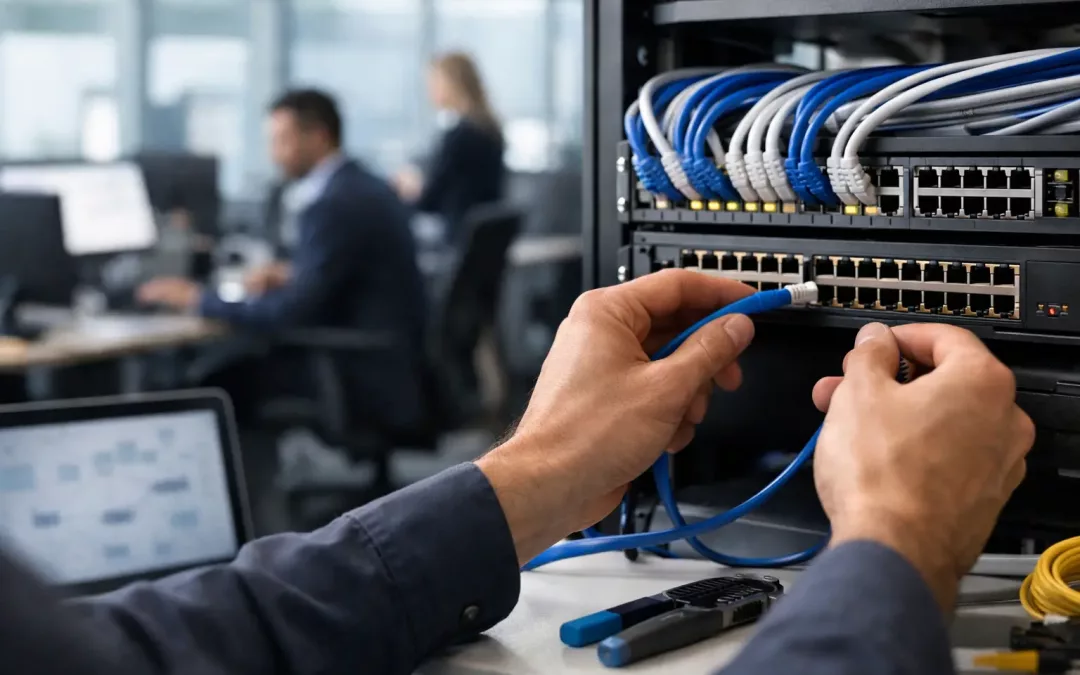
A slow video call in the conference room, a dead zone near the warehouse, and a printer that drops off the network are rarely separate problems. They often point to one issue: the physical network was added in pieces instead of planned as a system.
Another critical factor in wiring an office network is the choice of hardware, including routers, switches, and access points. Selecting high-quality equipment that meets your specific needs is essential for maintaining a reliable network. For instance, a business with heavy data traffic should invest in quality routers that can handle larger loads without compromising speed. Additionally, configuring Quality of Service (QoS) settings can prioritize certain types of traffic, ensuring that critical applications receive the bandwidth they require.
Lastly, fostering a culture of network awareness among employees can enhance the overall performance of your wired office network. Providing training on best practices for using the network, such as recognizing phishing attempts and properly handling sensitive information, can reduce security risks. Encourage employees to report issues promptly so that they can be addressed before they escalate into larger problems.
By combining technical excellence with employee awareness, you can create a robust network that not only supports current operations but is also prepared for future growth. The strategic approach to wiring an office network will pay dividends in productivity, efficiency, and employee satisfaction.
Key Considerations for Wiring an Office Network
Don’t overlook the importance of testing your network after installation. Conducting thorough checks can help identify potential weak points or connectivity issues before they affect your operations. Regular maintenance and updates to your network infrastructure can also ensure that it remains efficient and secure over time.
In today’s fast-paced business environment, ensuring that your office network is reliable is crucial. A network that frequently disconnects or has slow speeds can lead to lost productivity and frustration among employees. Imagine a scenario where an important client meeting is marred by technical issues due to network problems; such instances can harm your reputation and client relationships.
When starting to wire an office network, it’s essential to assess your current needs and anticipate future growth. This foresight will guide decisions on the type and amount of wiring needed. For instance, if you plan to integrate more IoT devices or increase the number of employees, your bandwidth requirements will grow. Investing in higher-quality cabling, such as CAT6 or CAT6a, can support faster data transmission and help future-proof your network.
As your business evolves, being able to adapt your network becomes imperative. This adaptability can be facilitated by using modular hardware that allows for easy upgrades or expansions. For instance, if you’re planning to introduce new technologies or increase your workforce, having scalable solutions in place will save you from extensive overhauls.
In addition, regularly evaluating your network’s performance can help identify areas for improvement. Tools like network monitoring software can provide insights into bandwidth usage, device performance, and potential bottlenecks. By analyzing this data, you can make informed decisions about where to invest in upgrades or adjustments.
A clean and organized network not only improves aesthetics but also eases troubleshooting. Labeling cables and ports can save time when issues arise. Utilizing cable management solutions like trays and ties can prevent tangling and damage to cables. For example, a structured cabling system allows for easy identification and replacement of faulty cables, minimizing downtime.
Documentation is equally crucial. Keep records of your network design, including diagrams and a detailed inventory of equipment. This information is invaluable for future upgrades or repairs. Furthermore, consider implementing a robust cybersecurity strategy to protect your network from unauthorized access and data breaches. Regularly updating your network devices and using strong passwords can significantly enhance security.
Moreover, consider the layout of your office. Open floor plans may require fewer physical barriers for network signals, while multi-story buildings might need additional access points to ensure coverage. Conducting a site survey can help identify potential dead zones where connectivity might suffer.
To avoid these pitfalls, it’s vital to understand the importance of a well-planned network layout. Each component of your network should work together seamlessly to support various functions, including video conferencing, data sharing, and cloud access. For example, a company that relies heavily on virtual meetings should ensure that their conferencing tools are prioritized in the network design, reducing latency and ensuring high-quality video streams.
Wiring an office network properly gives your team a dependable foundation for internet access, Wi-Fi, cloud applications, phones, cameras, and future growth.
For a small or mid-sized business, the goal is not to install the most cable possible. It is to build a clean, documented network that supports how your people actually work, protects business data, and can be expanded without reopening walls or disrupting operations.