
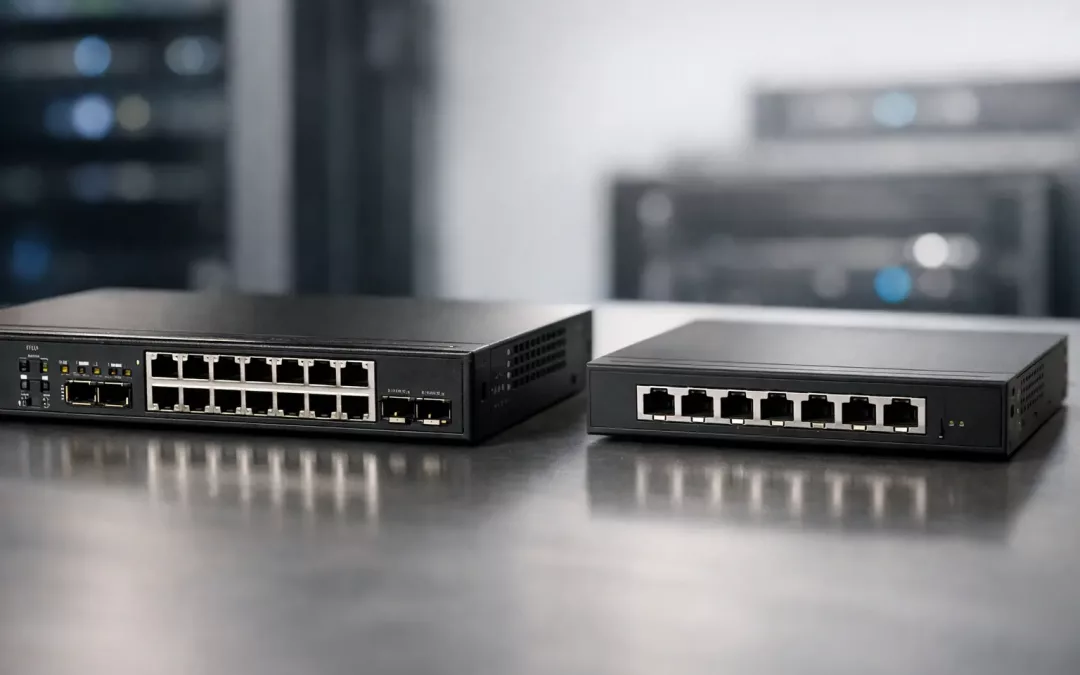
If your office keeps adding devices, wireless access points, cameras, phones, and workstations, the switch you choose starts to matter fast. The managed switch vs unmanaged switch decision affects performance, security, troubleshooting, and how easily your network can grow without creating new problems.
For some spaces, an unmanaged switch is exactly the right call. It is simple, affordable, and ready to work right out of the box. For others, especially business environments where uptime and control matter, a managed switch gives you tools that can prevent bottlenecks, tighten security, and make future upgrades much easier.
Managed switch vs unmanaged switch: the core difference
An unmanaged switch is a basic networking device that connects wired devices and passes traffic where it needs to go. You plug it in, connect your cables, and it starts forwarding data. There is little to configure and very little visibility into what the switch is doing.
A managed switch does the same basic job, but it also gives you control. You can log in, configure settings, segment traffic, monitor usage, prioritize applications, and adjust how the switch handles different types of network traffic. That extra control is what makes it useful in offices, medical spaces, retail locations, warehouses, and larger homes with more advanced networking needs.
The simplest way to think about it is this: unmanaged is plug-and-play, while managed is plug-in-and-control.
When an unmanaged switch makes sense
There are plenty of situations where an unmanaged switch is the practical answer. If you have a very small network with a few wired devices and no real need to segment traffic or monitor performance, unmanaged keeps things simple.
A small home office may only need to connect a desktop, printer, and router. A simple entertainment setup may just need a few ports for streaming devices and gaming hardware. In those cases, paying for management features you will never use does not make much sense.
Unmanaged switches also work well for temporary expansions. If you need a few extra ports in a low-risk, low-complexity area, they can be a fast and cost-effective fix. The trade-off is that if something goes wrong, you will have fewer tools to diagnose the problem.
That is where many businesses run into trouble. What starts as a simple network often becomes more complicated over time. New staff gets added, security cameras go in, a VoIP phone system comes online, and suddenly the basic switch that was “good enough” becomes a blind spot.
Where managed switches earn their value
Managed switches are built for networks that need structure, visibility, and control. If your business depends on stable connections for cloud platforms, voice calls, point-of-sale systems, file transfers, or surveillance traffic, management features stop being optional pretty quickly.
One major benefit is traffic segmentation through VLANs. That lets you separate types of traffic on the same physical network. For example, you can keep office computers, guest Wi-Fi, phones, and cameras isolated from each other. That improves both security and performance.
Another advantage is Quality of Service, often called QoS. This lets you prioritize certain traffic, such as voice or video conferencing, so critical applications do not suffer when the network gets busy. If your team relies on calls and meetings all day, that can make a noticeable difference.
Managed switches also help with monitoring and troubleshooting. When a user says the network feels slow, a managed switch gives your IT team or contractor a place to start. You can identify overloaded ports, misconfigured devices, duplex mismatches, loops, and unusual traffic patterns instead of just guessing.
For growing businesses, that visibility saves time. It can also reduce downtime because issues are easier to isolate before they spread.
Cost is not just the purchase price
A lot of buyers focus first on hardware cost, and that is understandable. Unmanaged switches are usually cheaper up front. If you compare box to box, managed hardware often costs more.
But the real cost question is not just what the switch costs today. It is what the network will cost to operate over time.
If a cheaper switch leaves you with no way to separate guest traffic, no way to prioritize phones, and no way to see what is causing network slowdowns, the savings can disappear quickly. Lost productivity, dropped calls, and longer troubleshooting windows all have a cost.
On the other hand, not every site needs enterprise-level control. A small space with very few devices may never use advanced switching features. In that case, unmanaged can still be the smarter investment.
The right answer depends on how critical your network is to daily operations and how likely it is to expand.
Security is one of the biggest deciding factors
For business environments, security often tips the scale in favor of managed switching. An unmanaged switch does not give you much ability to control who talks to what. Everything plugged into it is generally part of the same flat environment.
That can create unnecessary exposure. A guest device, smart TV, security camera, workstation, and printer may all be sharing the same space with little separation. If one device is compromised, the lack of segmentation can make it easier for problems to spread.
With a managed switch, you can create boundaries. You can place devices on different VLANs, restrict port access, disable unused ports, and align the switch with a broader network security plan that includes firewalls, secure Wi-Fi design, and remote access controls.
That does not mean a managed switch alone makes a network secure. It means it gives you the tools to build a more secure environment instead of relying on a one-size-fits-all setup.
Performance matters more than many offices realize
A switch is easy to overlook because it usually sits in a closet, rack, or back office and does its job quietly. But when traffic increases, poor switching choices show up as lag, dropped calls, buffering video, and inconsistent network behavior.
Managed switches help performance in practical ways. You can monitor bandwidth use, identify overused uplinks, and prioritize traffic that supports business operations. If your office has wireless access points, phones, cameras, and computers all feeding through the same infrastructure, that level of control becomes very useful.
This is especially true in buildings with older cabling, growing device counts, or a mix of business and guest traffic. The switch may not be the only issue, but it often plays a central role in whether the network feels stable or unpredictable.
What about PoE and future growth?
Many buyers comparing managed switch vs unmanaged switch are also trying to figure out Power over Ethernet, or PoE. PoE lets the switch send both data and power over the same cable to devices like phones, cameras, and wireless access points.
PoE exists in both managed and unmanaged models, so it is not exclusive to one category. The difference is that managed PoE switches usually give you better visibility and control over power budgets, port behavior, and connected devices.
That matters when you are planning for expansion. If you know more cameras, access points, or phones are coming, a managed PoE switch often provides a cleaner path forward. You can provision more intentionally instead of patching the network together one quick fix at a time.
How to choose the right switch for your site
The best choice comes down to how the network is used, how much downtime matters, and whether growth is expected. If the network is small, basic, and unlikely to change, unmanaged may be enough.
If the site supports employees, customers, VoIP, surveillance, cloud systems, or segmented Wi-Fi, managed is usually the safer long-term move. It gives you room to organize the network correctly from the start rather than reworking it after performance or security issues show up.
It also helps to think beyond the switch itself. Good switching decisions work best when paired with the right cabling, proper rack organization, labeled drops, reliable uplinks, and a network layout designed for the actual space. That is where many businesses benefit from working with a contractor who understands both the hardware and the physical infrastructure behind it.
In Charleston-area offices, we often see networks that did not fail because the internet service was bad. They failed because the wiring, switch selection, Wi-Fi placement, and traffic design were never planned as one system.
If you are deciding between managed and unmanaged, do not just ask which one is cheaper. Ask which one fits the way your network actually needs to perform six months from now. That is usually where the right answer becomes clear.