
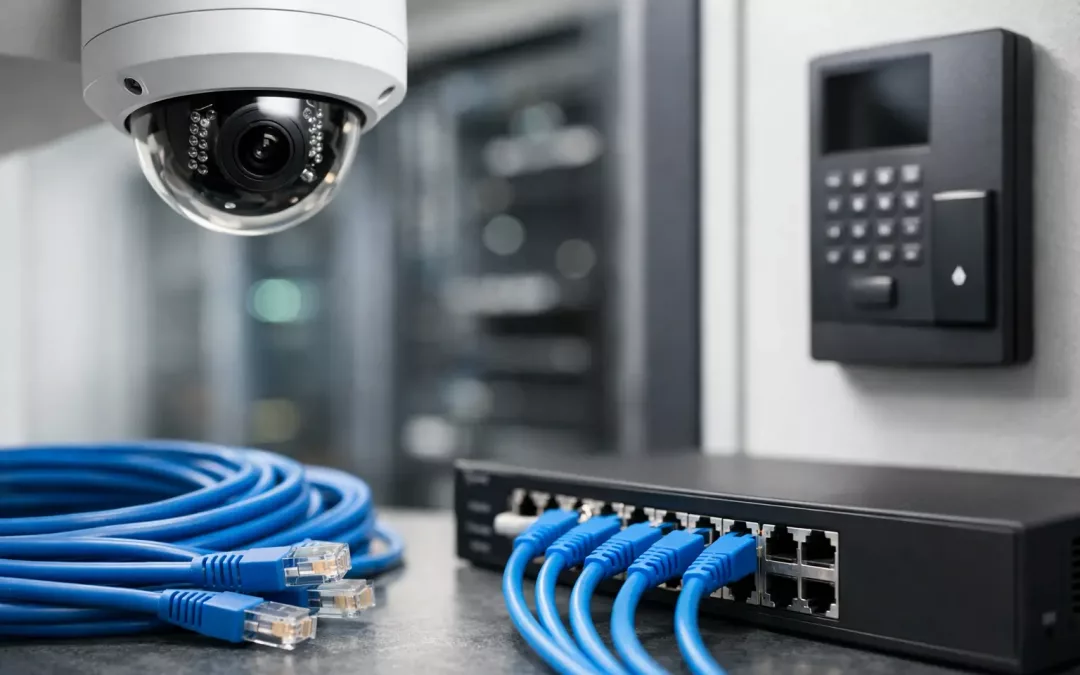
A security camera freezes during a delivery dispute, a front door reader drops offline during morning traffic, and the HVAC dashboard starts missing alerts. Most of the time, those problems do not start with the device. They start with the cabling behind it. Data cabling for security cameras, access control, and smart building systems is the layer that determines whether these systems work when you actually need them.
For business owners, office managers, property teams, and IT leads, that matters because these systems are no longer separate projects. Cameras, door hardware, intercoms, guest entry tools, sensors, and automation platforms all rely on the same physical infrastructure choices. If the cabling plan is rushed or undersized, the problems show up later as dropped connections, poor video quality, power issues, or expensive rework.
Why data cabling for security cameras, access control, and smart building systems matters
It is easy to focus on the visible hardware. People compare camera resolution, reader style, or software dashboards. The less visible question is whether the network cabling was designed for real-world conditions, not just a clean spec sheet. A 4K camera mounted far from the IDF, a door controller serving multiple openings, or a growing building automation platform can expose weak planning fast.
Good cabling design supports three outcomes at once. It keeps devices connected, it provides a stable path for power and data where needed, and it gives you room to expand without tearing into walls later. That last point gets overlooked. Many systems start small, then grow after a tenant improvement, office expansion, or security upgrade. When the original cabling was installed with no allowance for change, every new device becomes a patchwork job.
There is also a security angle. Unreliable infrastructure creates blind spots and access failures. That can turn into liability, service disruptions, or after-hours lockouts. The cabling itself is not the whole security strategy, but it is the part that every other security layer depends on.
One infrastructure plan beats three separate ones
A common mistake is treating cameras, access control, and smart building systems as different vendor projects. One contractor handles cameras, another installs door devices, and a third works on automation controls. On paper that can look efficient. On site, it often creates overlap, inconsistent labeling, messy pathways, and no clear ownership of the network layer.
A coordinated low-voltage cabling plan usually produces better results. Device locations can be mapped together. Rack space, switch capacity, patch panels, cable pathways, and cable types can be planned as one system instead of three. That saves time during installation, but more importantly, it reduces troubleshooting later.
If a facility expects future additions such as more cameras, new controlled doors, occupancy sensors, or integrated AV spaces, the infrastructure should reflect that from the beginning. Leaving headroom in pathways and network hardware is usually less expensive than retrofitting after the building is occupied.
What changes by system type
Even when the infrastructure is planned together, each system has different demands. Security cameras often need consistent bandwidth and stable PoE performance, especially with higher resolutions, night imaging, and continuous recording. Access control can be less bandwidth-heavy, but it is intolerant of interruptions. A camera glitch is frustrating. A door that does not authenticate properly during a busy shift is an operations problem.
Smart building systems vary the most. Some are light-duty sensors and controllers. Others involve dense device counts across lighting, environmental monitoring, digital signage, and integrated management platforms. That is where early design matters. The cabling that seems sufficient for today may not support tomorrow’s automation goals.
Choosing the right cable and layout
For most commercial environments, Cat6 is a practical baseline, and Cat6A often makes sense when longer-term performance, higher throughput, or heavier device density is expected. The right choice depends on building size, pathway conditions, distance, interference concerns, and growth plans. There is no one-size-fits-all answer.
The key is matching cable type to the application instead of defaulting to the cheapest option. A smaller office with a limited camera count may perform well on one design. A multi-tenant property, warehouse, medical office, or campus-style environment may need a different approach entirely. The layout matters as much as the cable category. Cable runs should be routed cleanly, terminated consistently, tested properly, and documented so future service work does not turn into guesswork.
Fiber also enters the conversation in larger buildings or between separate structures. If cameras, access systems, or smart controls need to span long distances, backbone design becomes part of the reliability equation. That is especially relevant when you want central visibility without sacrificing performance at the edge.
Power over Ethernet is convenient, but not automatic
Many modern cameras, readers, and smart devices rely on PoE. That simplifies deployment because one cable can handle both data and power. But convenience is not the same as planning. Switch capacity, power budget, uplink design, and device load all need to be considered together.
This is where projects can go sideways. A system may work fine at install, then fail intermittently after additional devices are added. The issue is not always the endpoint. Sometimes the switch is oversubscribed, the run length is pushing limits, or the infrastructure was not designed for the total power draw. A clean installation includes both the physical cable plant and the network hardware strategy behind it.
Installation quality affects daily operations
The business impact of cabling decisions shows up in ordinary moments. A receptionist badges in early and the door responds instantly. A manager pulls camera footage without lag. A facilities team gets accurate alerts from connected building systems instead of chasing false negatives. Those outcomes come from disciplined installation work, not just product selection.
That includes proper labeling, testing, rack organization, patch panel planning, and coordination with the people using the space. In occupied offices, timing and routing matter because the work has to happen without disrupting operations. In new construction or renovations, coordination matters because cable pathways need to support both immediate installation and future service access.
There is also the issue of appearance. Exposed, poorly routed cabling can make even a high-end system look temporary. In customer-facing spaces, lobbies, offices, medical settings, and retail environments, neat execution is part of the value.
Data cabling for security cameras, access control, and smart building systems should be built for change
Buildings do not stay static. Tenants shift. Teams expand. Policies change. Security requirements tighten. That means your infrastructure should not be built only for the first day of use. It should be built for the changes that are likely to follow.
A smart cabling design leaves room for added drops, switch upgrades, relocated devices, and integration between platforms. It also accounts for the fact that some systems age out faster than others. You may replace cameras before you replace door hardware. You may add automation controls before changing the core network. The cabling needs to support those staggered timelines.
For many organizations, the practical win is having one contractor who understands both the structured cabling layer and the business systems riding on top of it. That reduces finger-pointing and speeds up problem solving. It also helps during office moves, renovations, and phased upgrades where cabling, hardware, and connectivity decisions all affect each other.
When a retrofit needs a different strategy
Not every building gives you a blank slate. Older properties, partially occupied offices, and growing facilities often require retrofit work. In those cases, the best plan is not always the most aggressive one. Sometimes the right move is a phased cabling upgrade that fixes the highest-risk issues first while setting up a cleaner expansion path.
That might mean replacing outdated runs for key cameras and doors before expanding systemwide. It might mean reorganizing the rack and patching environment before adding more endpoints. It depends on budget, access to pathways, and how much downtime the site can tolerate. A good contractor will explain those trade-offs clearly instead of pushing a generic package.
For property owners and business operators in the Charleston area, that local responsiveness matters. Site conditions, building types, and project timelines vary widely, and the best results usually come from a cabling partner who can assess the space, coordinate the work, and execute without creating unnecessary disruption.
If you are planning cameras, access control, or smart building upgrades, start with the infrastructure questions first. The devices get the attention, but the cabling is what keeps the whole system dependable after the install crew leaves.