
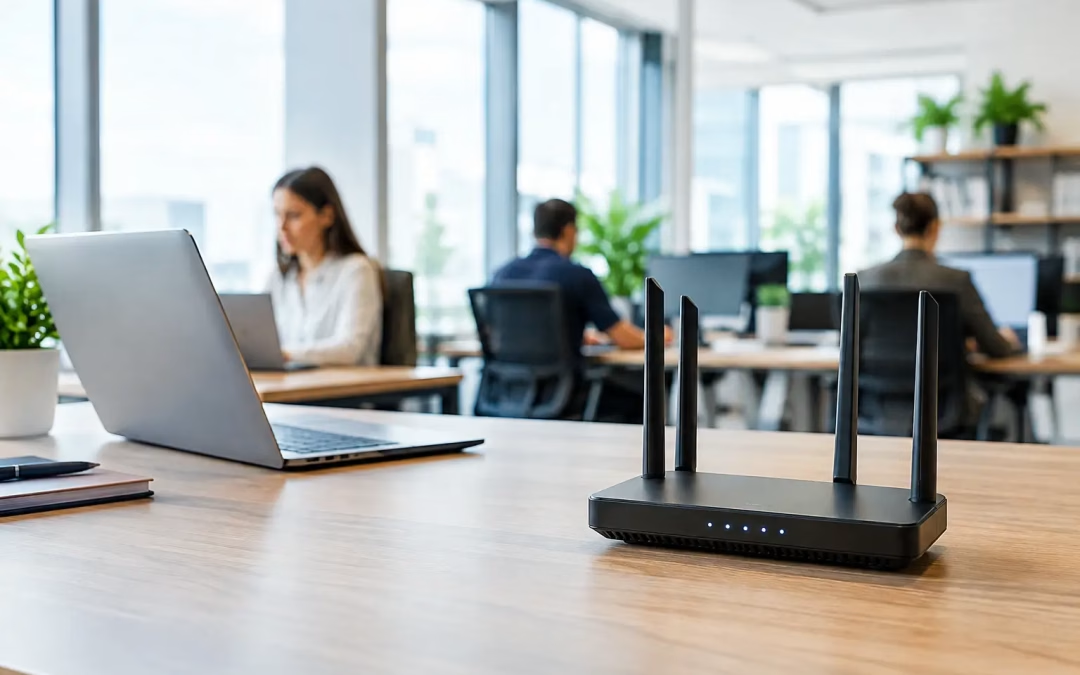
A video call freezes halfway through a client presentation. Staff move closer to the conference room door to get a signal. Point-of-sale devices disconnect when the office gets busy. These are not minor annoyances. They are signs that the network was never designed around how your business actually works. Finding the best wi fi service means looking beyond the internet plan and addressing the full connection between your provider, cabling, network hardware, coverage, and security.
For a business, Wi-Fi is only as dependable as the infrastructure behind it. A fast plan cannot compensate for weak access point placement, outdated cable runs, an overloaded router, or too many devices competing for limited capacity. The right solution starts with a clear look at the site, the users, and the applications that keep the business moving.
What the Best Wi-Fi Service Actually Includes
Many businesses use the phrase “Wi-Fi service” to describe two different needs: purchasing internet access from an internet service provider and building the local network that distributes that connection throughout the property. Both matter, but they solve different problems.
An ISP supplies the connection coming into your building. The local network includes the router, firewall, switches, structured cabling, wireless access points, and configuration that deliver that connection to computers, phones, cameras, printers, guest devices, and cloud applications. If either side is undersized or poorly maintained, users experience slow speeds, dropped connections, and inconsistent coverage.
The best result usually comes from treating the internet circuit and on-site network as one coordinated project. That approach makes it easier to identify the real source of a problem instead of having one vendor blame another.
Start with the way your business uses connectivity
A small accounting office, a medical practice, a warehouse, and a retail location can have the same advertised internet speed yet need very different network designs. The number of employees is only one part of the equation. Video conferencing, cloud backups, voice systems, security cameras, guest Wi-Fi, large file transfers, and point-of-sale traffic all place different demands on the network.
Consider where people work, not just how many people work there. A conference room with 20 people on video calls needs more capacity than a private office with one workstation. A patio, loading area, lobby, or training room may need coverage even though it is far from the main workspace. A thoughtful design accounts for those realities before hardware is selected.
Compare Internet Providers on More Than Download Speed
Advertised download speed is easy to compare, but it is not the only number that affects day-to-day operations. For businesses that rely on cloud platforms, shared files, off-site backups, cameras, or frequent video calls, upload speed can be just as important. A symmetrical fiber connection, where upload and download speeds are similar, may be a stronger fit than a lower-cost plan with limited upstream capacity.
Reliability also deserves close attention. Ask providers about typical repair response, service-level commitments, planned maintenance, installation timelines, and whether a backup connection is available. For a business where even an hour offline creates lost revenue or missed service calls, a secondary connection can be worthwhile. That backup might be a second carrier, cable service paired with fiber, or a managed cellular failover option depending on the location and budget.
Price should be evaluated over the full agreement, not just the introductory rate. Installation charges, equipment fees, contract terms, rate increases, static IP requirements, and early termination conditions can materially change the cost. An experienced connectivity partner can help compare carrier options without forcing your team to translate competing proposals on its own.
Know when fiber is worth the investment
Fiber is often the preferred choice for offices with heavy cloud use, multiple simultaneous video calls, large file transfers, or plans to grow. It typically provides strong consistency, low latency, and better upload performance than many shared connections. However, availability varies by address, and construction or building access requirements can affect installation timing.
Cable internet can be a practical option for smaller offices with modest upload needs, especially where fiber is not available or cost is the main concern. Fixed wireless can also help certain sites, temporary locations, or properties where bringing in a wired circuit would take too long. There is no single best carrier technology for every address. The right answer depends on availability, operating requirements, and the cost of downtime.
Coverage Is a Design Issue, Not a Router Issue
One retail router placed in a wiring closet rarely provides reliable coverage across a business property. Walls, glass, metal framing, concrete, storage racks, equipment, and neighboring wireless networks all influence signal quality. Even an access point with a strong signal can perform poorly when too many devices are attached to it or when it is installed in the wrong location.
A proper Wi-Fi assessment looks at the building layout, construction materials, device count, critical work areas, and sources of interference. From there, the network can be designed with properly placed access points rather than relying on range extenders to compensate for gaps. Wired access points connected through structured cabling generally provide more predictable performance than wireless repeaters, which must share available wireless capacity.
For Charleston-area offices, older building layouts and renovation history can create hidden challenges. Thick materials, long corridors, additions, and equipment rooms that were never intended for modern networking can all affect coverage. A site-specific plan avoids guessing and reduces the risk of adding equipment that does not solve the actual problem.
Give critical traffic its own lane
A business network should not treat every connected device the same way. Guest phones streaming video should not interfere with payment terminals, business laptops, voice traffic, or security cameras. Network segmentation separates these uses so that a problem on one portion of the network is less likely to affect everything else.
At a minimum, many organizations benefit from separate business, guest, and device networks. The exact setup depends on the operation, but the goal remains consistent: protect sensitive traffic, limit unnecessary access between devices, and keep essential systems responsive. A properly configured firewall, secure remote access, and current software updates add another layer of protection.
The Cabling Behind Wi-Fi Matters
Wireless access points still need a wired path back to the network. That path affects both speed and reliability. Older cable runs may limit performance, while damaged, untested, or poorly labeled cabling makes troubleshooting slower and future upgrades more expensive.
Cat6 and Cat6A cabling are common choices for modern office networks because they support higher-performance applications and provide flexibility as equipment changes. The right cable category depends on run length, expected network speeds, power requirements for access points and cameras, and long-term plans for the site. Installing a little more capacity during a renovation, expansion, or office move can prevent expensive disruption later.
Clean cable management and accurate labeling are not cosmetic details. They allow technicians to trace connections quickly, make changes with less risk, and document the network for future support. This is particularly valuable when an office adds staff, rearranges workspaces, or brings in a new IT provider.
Test the Network Before Calling the Job Complete
A new service should be verified under realistic conditions, not simply turned on and assumed to be ready. Testing should confirm wired speeds, wireless coverage, roaming between access points, device connectivity, guest access, and security settings. If the business depends on phones, cameras, cloud applications, or VPN access, those systems should be tested as part of the rollout.
Documentation is equally useful. Your team should know what internet service is installed, where the network equipment is located, which networks are in use, and who to contact for support. Clear records shorten response times when something changes or fails.
All Wiring Needs helps businesses coordinate these moving parts, from structured cabling and access point installation to network hardware, security-focused configuration, and carrier options. Having one accountable team can reduce handoffs and keep an upgrade, move, or repair project on schedule.
Choose a Service That Can Grow With You
The best Wi-Fi service is not necessarily the plan with the largest speed number or the lowest monthly price. It is the combination of internet access and local infrastructure that supports your staff, protects your operations, and leaves room for what comes next.
Before signing a contract or replacing equipment, take a hard look at where users lose connectivity, which applications slow down, how much downtime costs, and whether the current network can support the next phase of your business. A focused assessment now can turn recurring connection complaints into a network your team no longer has to think about.
#BusinessWiFi #EnterpriseWiFi #StructuredCabling #AccessPoints #NetworkDesign #FiberInternet #NetworkSecurity #ITInfrastructure #WiFiForBusiness