
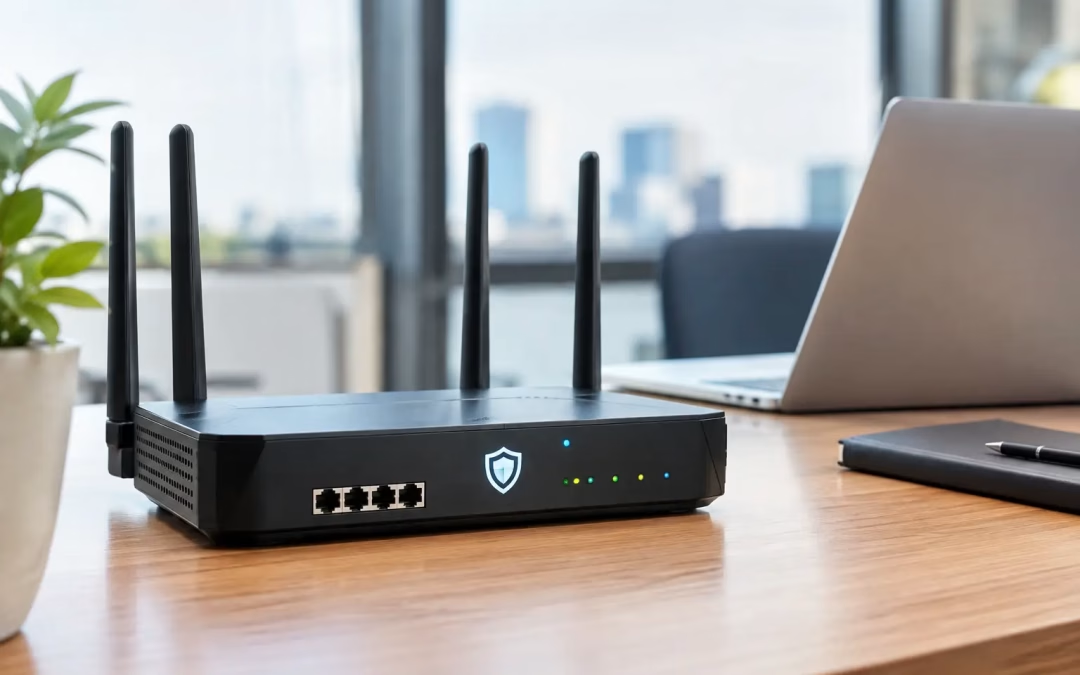
A firewall router is often blamed only after a problem becomes visible: a ransomware alert, remote staff who cannot reach a shared system, guest Wi-Fi touching business devices, or video calls failing whenever cloud backups run. Choosing the best firewall router for business before those issues arise is one of the most practical ways to protect uptime, data, and day-to-day operations. The right choice is not simply the router with the highest advertised speed or the most security features on the box. It needs to match the number of users, internet connection, applications, remote-access requirements, and the condition of the network behind it. A well-sized firewall can improve security and traffic control. A poorly chosen one can become the bottleneck that makes an otherwise capable network feel unreliable.
Investing in the best firewall router for business can prevent significant downtime and data loss.
What a Business Firewall Router Should Do
Choosing the best firewall router for business is essential for maintaining a secure network.
A consumer router generally focuses on getting devices online. A business firewall router is built to decide what traffic is allowed, blocked, prioritized, or inspected as it moves between your internet connection and internal network. At a minimum, it should separate trusted business devices from guest Wi-Fi and unmanaged equipment. It should support secure remote access through a VPN, provide visibility into network activity, and allow an administrator to create rules that fit the way your office works. For many small and mid-sized businesses, it should also support multiple internet connections so operations can continue when a primary service has an outage. Modern firewall services add another layer by identifying suspicious domains, blocking known threats, filtering web categories, and inspecting traffic for malware or intrusion attempts. These protections are valuable, but they also affect performance. The firewall must be sized for its real security workload, not just its basic routing speed.
Evaluate how the best firewall router for business will fit into your overall IT strategy.
How to Choose the Best Firewall Router for Business
The best firewall router for business helps in managing both security and performance needs effectively.
By implementing the best firewall router for business, companies can achieve greater control over their network traffic.
When choosing the best firewall router for business, prioritize your unique operational requirements.
Selecting the best firewall router for business ensures you stay ahead of potential threats.
Start with the traffic your business actually generates. A 20-person office primarily using email, web applications, and cloud storage has different needs than a medical office transferring large files, a construction company moving jobsite video, or a professional services firm with frequent VPN users. Pay close attention to the vendor’s stated throughput with security services enabled. A device may handle a fast internet plan when acting as a basic router, then slow down considerably when intrusion prevention, web filtering, and traffic inspection are turned on. If you pay for gig-speed service, confirm that the firewall can inspect traffic at speeds appropriate for your connection and expected growth. Remote access deserves the same attention. VPN performance is frequently much lower than standard firewall throughput. If ten employees need to work from home during a storm, travel period, or office disruption, the firewall needs enough encrypted VPN capacity to support them without dragging down other traffic. Management is another major decision point. Some businesses prefer cloud-managed firewalls because updates, alerts, and configuration can be handled from a central dashboard. Others prefer local management or an appliance without a required subscription. Neither approach is automatically better. Cloud management can reduce administrative effort and improve visibility, while subscription-free systems may offer more predictable long-term costs. Review what security features stop working if a license expires before making a purchase.
The Features That Matter Most
Secure your operations today with the best firewall router for business to prevent future issues.
Collaboration with IT professionals can enhance the selection of the best firewall router for business.
The best firewall router for business is essential for mitigating risks in a digital-first world.
Prepare your team to maximize the benefits of the best firewall router for business through training.
Regular maintenance of the best firewall router for business is key to maintaining network integrity.
Ensure that the best firewall router for business aligns with your growth and scaling objectives.
The best firewall router for business can adapt to changing technological landscapes and threats.
Investing in the best firewall router for business is a proactive step towards safeguarding your data.
Regularly evaluate the performance of the best firewall router for business to ensure optimal operation.
Be aware that the best firewall router for business can significantly enhance your network’s security posture.
Understanding the features of the best firewall router for business will help in making an informed decision.
Make sure your network is ready for the best firewall router for business to maximize its effectiveness.
The best firewall router should give your business control without turning routine network changes into a complicated project. Look for an appliance that supports separate network segments, often called VLANs. This allows you to keep staff computers, guest devices, cameras, phones, and other connected equipment apart based on their purpose and risk level. Quality-of-service controls are also useful when internet capacity is limited or traffic is unpredictable. They can prioritize voice and video calls over large downloads, backups, or nonessential streaming. These settings are helpful, but they are not a substitute for enough internet bandwidth or properly designed Wi-Fi coverage. Automatic firmware updates and clear security alerts can reduce exposure to known vulnerabilities. Logging matters as well. When a user reports a connection problem or a suspicious event occurs, someone needs a clear record of what the firewall blocked, allowed, or detected. A system that produces meaningful alerts is more useful than one that sends constant notifications no one has time to review. For offices that depend heavily on connectivity, consider dual-WAN capability. This permits two internet services, such as cable and fiber, or a primary service plus cellular backup. The firewall can fail over to the secondary connection if the primary one goes down. It is a smart investment for businesses where a few hours offline means lost revenue, missed appointments, or stalled operations.
Which Firewall Router Type Fits Your Office?
For a small office with fewer than 15 users, a business-class gateway from a managed ecosystem can be a practical fit. Platforms from Ubiquiti, Cisco Meraki, and similar vendors can combine firewall controls with switch and Wi-Fi management. They work especially well when the network is standardized under one dashboard and the business wants straightforward visibility. For companies that need stronger threat prevention, detailed policy controls, or compliance-focused reporting, a dedicated security appliance from a provider such as Fortinet, SonicWall, or WatchGuard may be more appropriate. These platforms typically offer deeper security services and more granular controls, but they require careful licensing, configuration, and ongoing management. For organizations that value privacy, local control, and a simpler ownership model, an appliance from Firewalla or a properly configured open-source firewall platform can be worth considering. These options can be capable, but they are not always the best fit for a business without internal IT support. The cost savings disappear quickly if the device is not monitored, updated, or configured correctly. The product name matters less than fit. The best choice for a five-person Charleston office with guest Wi-Fi and cloud applications may be very different from the best choice for a 60-person firm with multiple sites, remote staff, phones, cameras, and a server room.
Your Cabling and Wi-Fi Still Affect Firewall Performance
A firewall cannot solve problems caused by weak physical infrastructure. Older cabling, underpowered switches, poor access point placement, and crowded Wi-Fi channels can all look like an internet or firewall issue from the user’s perspective. Before installing a new firewall router, assess the path traffic takes through the building. Confirm that the gateway, switches, access points, and cabling support the speeds you expect. If the firewall has multi-gig ports but the switch only supports lower speeds, the network will still be limited. If wireless access points are poorly located, users may continue to report slow connections even when the gateway is performing correctly. This is where a site-specific approach pays off. All Wiring Needs can evaluate the network layout, structured cabling, Wi-Fi coverage, hardware placement, and security requirements together, rather than treating the firewall as an isolated purchase.
Plan the Installation Before Changing the Gateway
Replacing a firewall router can interrupt internet access, phones, remote connections, payment terminals, cameras, and cloud-managed systems if it is not planned carefully. Document the current network first, including ISP handoff details, static IP addresses, existing VPNs, Wi-Fi networks, switch settings, and any devices that require special access rules. A staged installation reduces risk. Configure the new firewall in advance, test VPN access and network segments, then schedule the cutover during a low-impact period. After installation, verify that users can reach required applications, guest Wi-Fi is isolated, remote access works, and backup connectivity responds as expected. Do not treat the project as finished once devices can browse the web. Review security alerts, firmware status, user access, and bandwidth patterns after the first few weeks. That follow-up often reveals traffic rules that need adjustment or areas where the network can be better organized. The best firewall router is the one that protects the way your business operates while leaving room to grow. Choose it as part of a complete network plan, install it with a clear cutover strategy, and give it the ongoing attention a business-critical system deserves.
#FirewallRouter #BusinessFirewall #NetworkSecurity #CyberSecurity #BusinessIT #SmallBusinessIT #Firewall #NetworkInfrastructure #ITSecurity #VPN #RemoteAccess #DualWAN #VLAN #QualityOfService #BusinessContinuity #BackupInternet #ThreatPrevention