
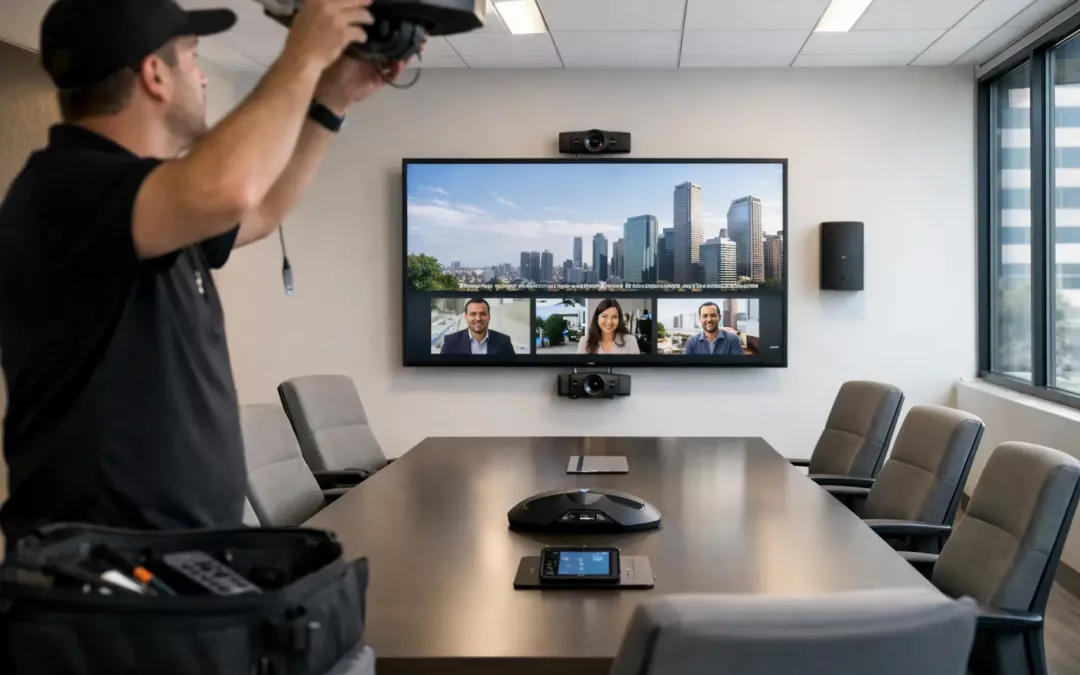
A conference room can look polished and still fail the first real test – a client call that starts late because nobody can get the camera, display, and audio to work together. That is why conference room av installation is not just about mounting a screen and setting a soundbar on a credenza. It is about building a room people can walk into, use quickly, and trust every time.
For office managers, business owners, and IT teams, the real goal is not flashy gear. It is fewer meeting delays, cleaner audio, better video, and a setup that does not create support tickets every week. A good installation supports the way your team actually meets, whether that means daily video calls, presentations for clients, training sessions, or hybrid collaboration.
What conference room AV installation actually includes
Most conference rooms need more than a display and a webcam. The room has to support video, audio, content sharing, device connectivity, and the network behind it all. If one part is undersized or poorly placed, the room becomes frustrating fast.
A complete conference room AV installation usually includes displays or projectors, cameras, microphones, speakers, control panels, cabling, network connections, and the mounting hardware to keep everything secure and organized. In many offices, it also includes wireless presentation tools, video conferencing platform integration, and rack or cabinet organization for the equipment that powers the room.
What matters is how those pieces work together. A great camera with poor microphone pickup still creates a bad meeting experience. A high-end display does not help if the cabling is exposed, mislabeled, or difficult to service later. The installation has to be planned as a system, not as a collection of devices.
Start with the room, not the product list
The biggest planning mistake is choosing equipment before defining how the room will be used. A four-person huddle room has different needs than a boardroom that hosts client presentations and multi-location calls. Room size, table layout, ceiling height, wall construction, lighting, and furniture all affect the result.
In smaller rooms, a single display, compact camera, and integrated audio bar may be enough. In larger spaces, you may need distributed microphones, separate speakers, dual displays, and a wider camera field of view. The same goes for content sharing. If people regularly present from laptops, you need easy input access at the table or a reliable wireless sharing method. If training sessions are common, the room may need better coverage for voice pickup and recording.
This is where practical design matters. The right system is the one that fits the space, the meeting style, and the budget without overbuilding the room.
Cabling is where long-term reliability starts
Conference room technology gets most of the attention, but the hidden infrastructure often determines whether the room performs well six months later. Clean, properly planned low-voltage cabling helps avoid signal issues, device conflicts, and ugly last-minute workarounds.
Structured cabling supports more than the display feed. It can support network connectivity for conferencing hardware, control systems, wireless presentation devices, and any future upgrades. When cable paths, termination points, and wall locations are planned early, the room stays cleaner and easier to manage.
This is especially important during office build-outs, remodels, and relocations. If conference room AV is treated as an afterthought, you often end up with visible cables, poor device placement, or equipment installed where there is no practical way to service it. A contractor that understands both AV integration and network infrastructure can prevent those problems before the room is finished.
Audio is usually the make-or-break factor
Most people notice video first, but audio causes more meeting complaints. If remote participants cannot hear clearly, or if voices sound distant and hollow, the room feels broken even when the display looks great.
Microphone placement has to match the room layout. Ceiling microphones can work well in some spaces, but they are not always the best answer. Table microphones may improve pickup in one room and create clutter in another. Speaker placement matters too. Audio should feel clear and natural across the room, not too loud near one wall and weak at the far end of the table.
There are always trade-offs. Integrated soundbars are simple and cost-effective for smaller rooms, but larger spaces often need more targeted audio design. Acoustic conditions also matter. Glass walls, hard floors, and minimal soft surfaces can create echo problems that no device spec sheet fully solves. Good installation accounts for the room itself, not just the equipment brochure.
Displays, cameras, and sightlines need to work together
A display that is too small for the room leads to strained presentations and disengaged meetings. One that is too large can overwhelm a smaller space and create uncomfortable viewing angles. Camera placement creates similar issues. If the camera sits too high, too far off center, or too close to the display, remote participants get an awkward view of the room.
Sightlines should be considered from the seats people actually use. Can everyone see shared content without turning awkwardly? Will the camera capture the full table? Can presenters stand naturally without blocking the screen? These are practical questions, but they make the difference between a room that looks good in photos and one that works under pressure.
Dual displays can be helpful when teams often need to see both remote participants and shared content at the same time. That setup is not necessary for every room, though. In some cases, a single well-placed commercial display is the better choice because it reduces complexity and keeps the user experience simple.
Ease of use matters as much as performance
A conference room should not require a ten-minute tutorial before every meeting. If users have to switch inputs manually, reconnect peripherals, or troubleshoot login issues on their own, the room will create friction no matter how good the hardware is.
Simple control is one of the most valuable parts of conference room av installation. That may mean a touch panel with clear presets, a one-cable connection at the table, or a standardized setup across multiple rooms in the office. Consistency reduces user error and makes support easier for internal IT teams and managed service providers.
It also helps to think about who will use the room most often. A room used by executives, clients, and visiting partners should be especially intuitive. The easier the experience, the less likely meetings are to start late or derail over basic technical issues.
Network readiness is part of the job
Modern AV systems rely heavily on the network. Video conferencing platforms, wireless sharing tools, control systems, and smart devices all need reliable connectivity. If your office Wi-Fi is already inconsistent or the switching hardware is overloaded, conference room technology can expose those weaknesses quickly.
That is why network planning should be part of the installation conversation. Some rooms need dedicated data drops for conferencing appliances and displays. Others benefit from VLAN planning, better switch capacity, or improved Wi-Fi coverage nearby. Security matters too, especially when conference room devices are internet-connected and tied into collaboration platforms.
For many businesses, it is more efficient to work with one provider that can handle the cabling, hardware placement, and network side together. It reduces finger-pointing and shortens the path from design to working room.
When to upgrade versus start over
Not every conference room needs a full rebuild. Sometimes the right move is to keep usable components and fix the weak points. If the display is still in good shape, but the microphones, cabling, and conferencing hardware are outdated, a targeted upgrade can improve the room without unnecessary cost.
Other times, piecemeal upgrades just prolong the problem. If the room has mismatched devices, exposed cables, unreliable connections, and no consistent control method, a fresh installation is often the more efficient option. The best choice depends on the age of the system, the room layout, and how much downtime your team can tolerate.
A practical installer should be honest about that. Not every room needs the most expensive solution. It needs the one that fits your business goals and will hold up under daily use.
A better installation process means fewer surprises
The smoothest conference room projects follow a clear process: assess the space, define use cases, design the system, install cleanly, test everything, and train the people who will use it. Testing matters more than many businesses expect. It is one thing for a screen to power on. It is another for the entire room to work correctly with your conferencing platform, your devices, and your network.
Local support also has real value. When a room supports client meetings, internal operations, or hybrid teams, you do not want to wait around for vague answers or long service windows. A responsive contractor can help you plan around office schedules, reduce disruption during installation, and address issues quickly if they come up later. That is one reason businesses in the Charleston area often look for a provider like All Wiring Needs that understands both physical infrastructure and day-to-day connectivity demands.
The best conference room is the one your team stops thinking about because it works the first time, every time. If your current setup causes delays, confusion, or constant workaround habits, that is usually a sign the room needs a better plan, not just another new device.